logo
AI Image
AI Video
Library
Solutions
Community
MCP & CLI
Pricing
  1. Home
  2. Design
  3. Wallpapers

Create free custom wallpapers with Picsart’s Wallpaper Maker

Customize your digital workspaces with custom wallpapers personalized to your needs and taste. Use Picsart’s free Wallpaper Maker to effortlessly create wallpapers and backdrops for your phone, tablet, laptop, and desktop. Easily craft custom organizer wallpapers with stickers, trendy fonts, and AI tools.

Create a wallpaper
free to use icon

Free to use

Enjoy the free Wallpaper Maker without making any prior purchases or providing credit card information.

various images and fonts icon

Library of images and fonts

Access a vast selection of ready-to-go visuals and fonts to jumpstart your creative process.

easy to use icon

Easy to use

Every step, from opening the editor to downloading your finished creation, is easy and user-friendly.


How to create wallpapers

1

Open Wallpaper Creator

Use the button below to open the Wallpaper Maker.

2

Browse templates

3

Personalize the template

4

Save

Make wallpapers of any kind

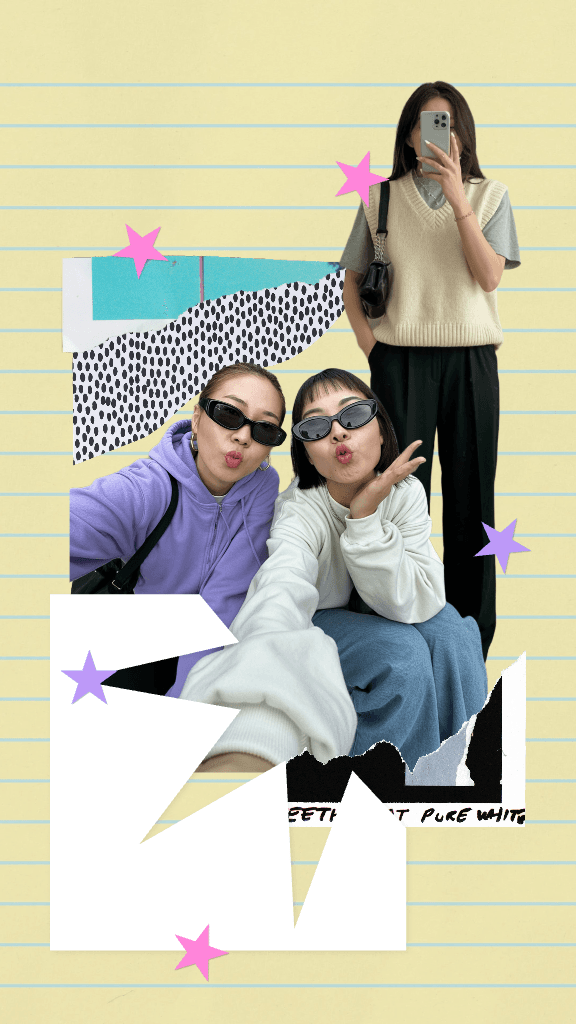
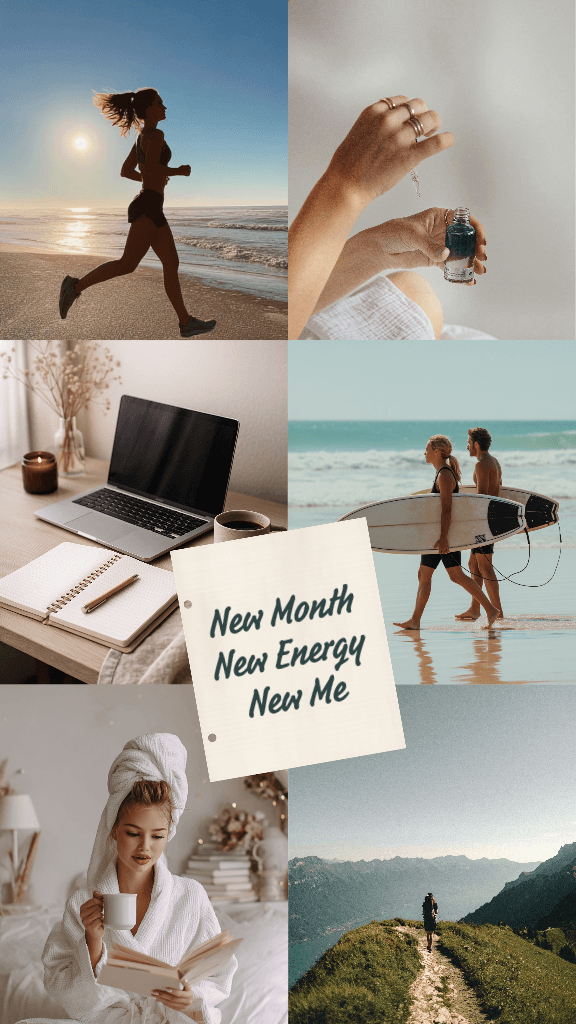
With the Picsart Wallpaper Maker, you can make your own wallpapers of any ambition with ease. Want a custom illustration for your gaming laptop? You can use the AI Image Generator to create anything you can imagine. Need a unique wallpaper for your smartphone or tablet to support the custom theme you have going on? Easy. Customize your image down to a pixel with Picsart’s built-in editing tools.

Make wallpapers of any kind

Personalize your wallpapers with trendy fonts

Tap into a library of fonts and text styles to customize your wallpapers with personal messages. Easily add text to your wallpapers with Picsart’s text tool and customize it with a wide selection of fonts. Mix and match fonts with designer-curated text styles that tastefully combine several fonts in visually pleasing layouts.

Personalize your wallpapers with fonts

Photos for any wallpaper needs

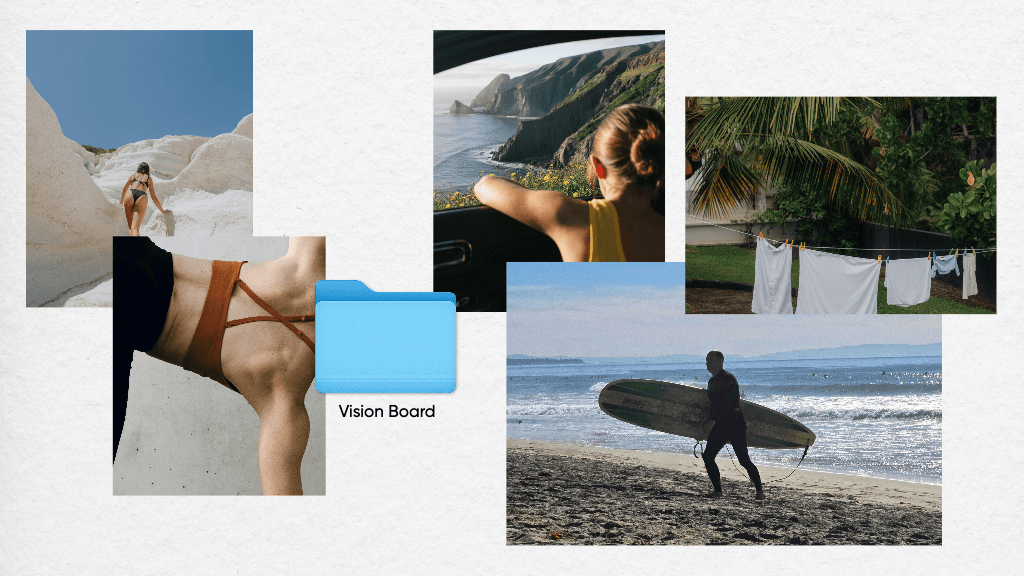
Access an ever-growing selection of images that will provide you with limitless options and ideas for wallpapers. The photo library is built right into the Picsart Wallpaper Creator, so you don’t even have to switch to a different browser tab. And the amazing thing is, most of the photos are available to you free of charge.

photos for wallpapers

Generate backgrounds with AI

Visualize even the most specific background ideas with ease using Picsart’s Background Maker. You don’t even need any drawing or design skills anymore to create custom illustrations and designs for your backgrounds. Just describe your idea in the form of a prompt to the built-in AI Image Generator to create backgrounds that perfectly fit your display and creative vision.

Generate backgrounds with AI

Personalize your wallpapers with Picsart

Fully customize your wallpapers with the Picsart online Photo Editor. Take advantage of a suite of easy-to-use tools to make complex edits even if you’re not a tech-savvy editing pro. Create collage wallpapers with the built-in Background Remover or erase distracting objects that ruin the wallpaper potential of your photos. Make sure your edits look great on a larger display with AI Enhance, and spice up their looks with effects. All this and so much more, packaged inside one convenient online interface. 

Personalize your wallpapers with Picsart

Create faster with Picsart Aura

Turn any idea into a custom wallpaper with a simple text prompt. With Picsart Aura, the AI Wallpaper Generator creates designs for any device, from iPhone screens to desktop displays, in seconds. Once generated, refine, resize, and personalize your wallpaper using Picsart’s full AI editing toolkit to get the exact look you want.

Discover AI tools

Explore Picsart’s full suite of AI photo editing tools and effortlessly visualize even your most ambitious ideas without having to be a pro. 

Increase image resolution with Picsart photo enhancer

AI Image Enhancer

Upscale the resolution of one or multiple images with AI in one go.

ai avatar generator online

AI Avatar

Generate portraits in various styles with AI.

ai image generator

AI Image Generator

Type your vision and let AI transform your words into fascinating images.

ai art generator

AI Art Generator

Generate eye-catching artwork of various styles and movements in seconds with AI.

object swap with picsart ai replace

AI Replace

Use AI to swap any part of your image with an AI-generated object.

ai content generator tool

AI Writer

Let AI come up with creative captions and copy for your visuals.

ai photo editor

AI Photo Editor

Speed up your editing process with an AI-powered photo editor.

Generate backgrounds with Picsart's AI background generator

AI Background

Generate unique backgrounds from scratch with just a prompt.

generate ai gifs with picsart ai gif generator

AI GIF Generator

Effortlessly generate custom GIF visuals from scratch.

More editing tools to love from Picsart 

Explore Picsart’s suite of editing tools that will perfectly complement your wallpaper creation journey.

change background of images with Picsart's background remover tool

Background Changer

Swap up the backdrop or remove it altogether.

Collage maker

Collage Maker

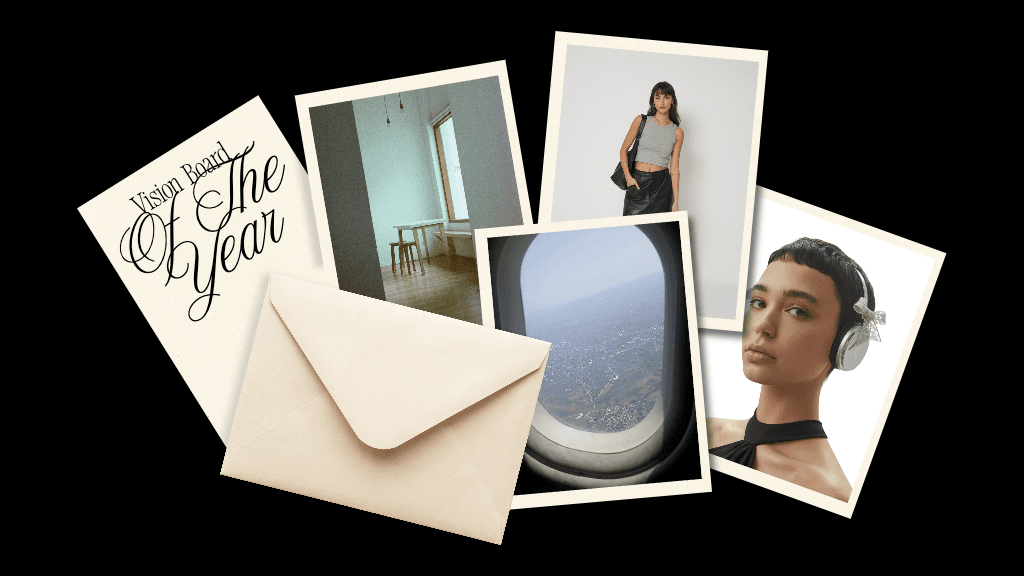
Effortlessly combine visuals for social media, vision boards, and more.

resize image

Resize Image

Get the right fit for your photos with ease and in a matter of seconds.

card maker

Card Maker

Effortlessly DIY cards for any occasion with Picsart.

Picsart YouTube banner maker

YouTube Banner Maker

Design appealing banners for your YouTube channel with Picsart.

poster maker

Poster Maker

Design eye-catching posters for any purpose without needing design skills.


Wallpaper Maker FAQ

1920 x 1080 is the best starting point, since the 16:9 aspect ratio and pixel count with that size is standard for HDTV tech.

With Picsart, simply open the Photo Editor and browse different wallpaper templates to find a great starting point, or open up a blank design to start from scratch.

Yes, the Picsart Wallpaper Maker is completely free to use.

Every Picsart wallpaper template is completely customizable with the suite of editing and graphics tools. You can also start with a blank design and create your own vision.
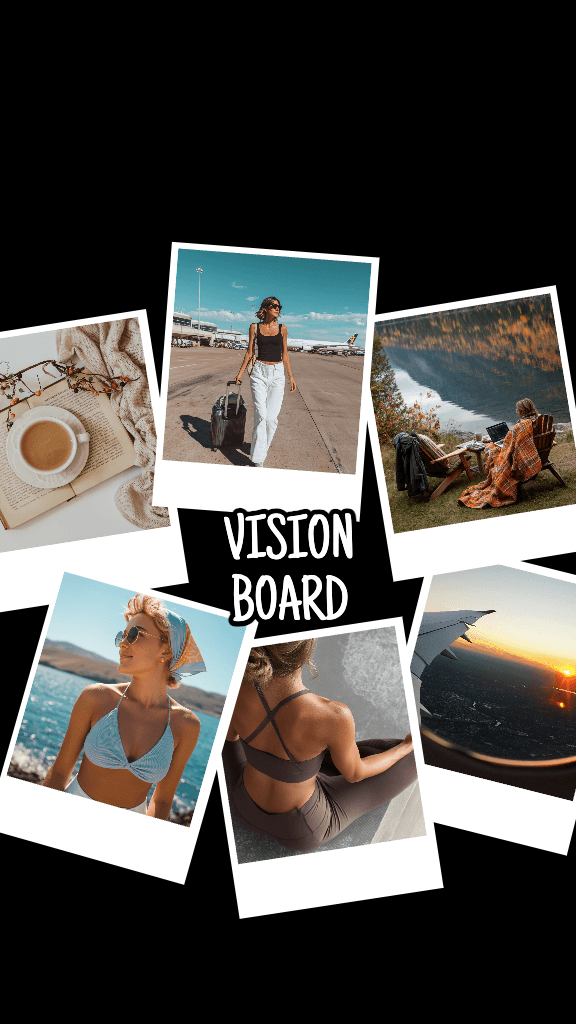
Yes, you can upload images within the Picsart Editor to add your own images to personalize your wallpaper as much as you want.


Enhance your wallpapers even further

Browse wallpaper imagesCreate pattern backgroundsGenerate AI backgroundsExplore desktop wallpaper templatesAdd text to designsTry photo effectsRemove image backgroundsBrowse background templatesCreate phone wallpapersAdd stickers to designsBrowse background imagesCreate collage wallpapers

Get the free app

Download on the App StoreGET IT ON Google PlayGet it from Microsoft
Pinterest
AICPA SOC

Explore

  • AI Image Generator
  • AI Video Generator
  • AI Playground
  • AI Image Models
  • AI Video Models
  • AI Photo Editor
  • Templates
  • Design Tools

Solutions

  • For Enterprise
  • For Developers
  • For Google Drive
  • For specific Industries
  • Quicktools
  • AI Avatar
  • Pricing

Company

  • Support
  • Careers
  • About us
  • Earn with Picsart
  • Blog
  • Press Center
Terms of UsePrivacy PolicyDo Not SellInternet-Based AdvertisingCommunity GuidelinesDMCASecurity PolicyAccessibility
© 2026 PicsArt, Inc.

Design wallpapers with AI image models

Use image models to transform wallpapers into polished visuals, design ideas, and ready-to-edit assets.
GPT Image 2New
Next-gen GPT image model with arbitrary output dimensions and multi-image input.Reference inputImage generationSee model
Nano Banana 2New
Fast 4K generation with accurate text and search-grounded accuracy.4KFast generationImage generationSee model
Nano Banana ProNew
Top-tier 4K images with precise multilingual text rendering.4KPro qualityImage generationSee model
Flux 2 FlexNew
Adaptable generation across varied visual styles at 2K.Image generationSee model
Seedream 5.0 Lite
Speedy 3K output with negative prompt and dual-image input support.Reference inputFast generationImage generationSee model
Kling 3.0 Image
Cinematic visuals with up to 4K resolution and 10 reference images.Reference input4KCinematicSee model
Kling O1 Image
O1-architecture image generation with multi-reference support.Reference inputCinematicImage generationSee model
Kling V2 New Image
Latest V2 image generation with optional restyle via image reference.Reference inputCinematicImage generationSee model
Hunyuan V3
Infographic-friendly generation with readable text and cfg control.Image generationSee model
Luma UNI-1
Luma UNI-1 — agentic image generation and editing with up to 9 reference images.Reference inputCinematicImage generationSee model
Luma UNI-1 Max
Luma UNI-1 Max — higher-quality UNI-1 variant with the same multi-reference editing controls.Reference inputCinematicImage generationSee model
Seedream 4.5
Detailed 4K renders with clean in-image text and dual-image input.Reference input4KImage generationSee model
GPT Image 2New
Next-gen GPT image model with arbitrary output dimensions and multi-image input.Reference inputImage generationSee model
Nano Banana 2New
Fast 4K generation with accurate text and search-grounded accuracy.4KFast generationImage generationSee model
Nano Banana ProNew
Top-tier 4K images with precise multilingual text rendering.4KPro qualityImage generationSee model
Flux 2 FlexNew
Adaptable generation across varied visual styles at 2K.Image generationSee model
Seedream 5.0 Lite
Speedy 3K output with negative prompt and dual-image input support.Reference inputFast generationImage generationSee model
Kling 3.0 Image
Cinematic visuals with up to 4K resolution and 10 reference images.Reference input4KCinematicSee model
Kling O1 Image
O1-architecture image generation with multi-reference support.Reference inputCinematicImage generationSee model
Kling V2 New Image
Latest V2 image generation with optional restyle via image reference.Reference inputCinematicImage generationSee model
Hunyuan V3
Infographic-friendly generation with readable text and cfg control.Image generationSee model
Luma UNI-1
Luma UNI-1 — agentic image generation and editing with up to 9 reference images.Reference inputCinematicImage generationSee model
Luma UNI-1 Max
Luma UNI-1 Max — higher-quality UNI-1 variant with the same multi-reference editing controls.Reference inputCinematicImage generationSee model
Seedream 4.5
Detailed 4K renders with clean in-image text and dual-image input.Reference input4KImage generationSee model
GPT Image 2New
Next-gen GPT image model with arbitrary output dimensions and multi-image input.Reference inputImage generationSee model
Nano Banana 2New
Fast 4K generation with accurate text and search-grounded accuracy.4KFast generationImage generationSee model
Nano Banana ProNew
Top-tier 4K images with precise multilingual text rendering.4KPro qualityImage generationSee model
Flux 2 FlexNew
Adaptable generation across varied visual styles at 2K.Image generationSee model
Seedream 5.0 Lite
Speedy 3K output with negative prompt and dual-image input support.Reference inputFast generationImage generationSee model
Kling 3.0 Image
Cinematic visuals with up to 4K resolution and 10 reference images.Reference input4KCinematicSee model
Kling O1 Image
O1-architecture image generation with multi-reference support.Reference inputCinematicImage generationSee model
Kling V2 New Image
Latest V2 image generation with optional restyle via image reference.Reference inputCinematicImage generationSee model
Hunyuan V3
Infographic-friendly generation with readable text and cfg control.Image generationSee model
Luma UNI-1
Luma UNI-1 — agentic image generation and editing with up to 9 reference images.Reference inputCinematicImage generationSee model
Luma UNI-1 Max
Luma UNI-1 Max — higher-quality UNI-1 variant with the same multi-reference editing controls.Reference inputCinematicImage generationSee model
Seedream 4.5
Detailed 4K renders with clean in-image text and dual-image input.Reference input4KImage generationSee model
GPT Image 2New
Next-gen GPT image model with arbitrary output dimensions and multi-image input.Reference inputImage generationSee model
Nano Banana 2New
Fast 4K generation with accurate text and search-grounded accuracy.4KFast generationImage generationSee model
Nano Banana ProNew
Top-tier 4K images with precise multilingual text rendering.4KPro qualityImage generationSee model
Flux 2 FlexNew
Adaptable generation across varied visual styles at 2K.Image generationSee model
Seedream 5.0 Lite
Speedy 3K output with negative prompt and dual-image input support.Reference inputFast generationImage generationSee model
Kling 3.0 Image
Cinematic visuals with up to 4K resolution and 10 reference images.Reference input4KCinematicSee model
Kling O1 Image
O1-architecture image generation with multi-reference support.Reference inputCinematicImage generationSee model
Kling V2 New Image
Latest V2 image generation with optional restyle via image reference.Reference inputCinematicImage generationSee model
Hunyuan V3
Infographic-friendly generation with readable text and cfg control.Image generationSee model
Luma UNI-1
Luma UNI-1 — agentic image generation and editing with up to 9 reference images.Reference inputCinematicImage generationSee model
Luma UNI-1 Max
Luma UNI-1 Max — higher-quality UNI-1 variant with the same multi-reference editing controls.Reference inputCinematicImage generationSee model
Seedream 4.5
Detailed 4K renders with clean in-image text and dual-image input.Reference input4KImage generationSee model
GPT Image 2New
Next-gen GPT image model with arbitrary output dimensions and multi-image input.Reference inputImage generationSee model
Nano Banana 2New
Fast 4K generation with accurate text and search-grounded accuracy.4KFast generationImage generationSee model
Nano Banana ProNew
Top-tier 4K images with precise multilingual text rendering.4KPro qualityImage generationSee model
Flux 2 FlexNew
Adaptable generation across varied visual styles at 2K.Image generationSee model
Seedream 5.0 Lite
Speedy 3K output with negative prompt and dual-image input support.Reference inputFast generationImage generationSee model
Kling 3.0 Image
Cinematic visuals with up to 4K resolution and 10 reference images.Reference input4KCinematicSee model
Kling O1 Image
O1-architecture image generation with multi-reference support.Reference inputCinematicImage generationSee model
Kling V2 New Image
Latest V2 image generation with optional restyle via image reference.Reference inputCinematicImage generationSee model
Hunyuan V3
Infographic-friendly generation with readable text and cfg control.Image generationSee model
Luma UNI-1
Luma UNI-1 — agentic image generation and editing with up to 9 reference images.Reference inputCinematicImage generationSee model
Luma UNI-1 Max
Luma UNI-1 Max — higher-quality UNI-1 variant with the same multi-reference editing controls.Reference inputCinematicImage generationSee model
Seedream 4.5
Detailed 4K renders with clean in-image text and dual-image input.Reference input4KImage generationSee model
GPT Image 2New
Next-gen GPT image model with arbitrary output dimensions and multi-image input.Reference inputImage generationSee model
Nano Banana 2New
Fast 4K generation with accurate text and search-grounded accuracy.4KFast generationImage generationSee model
Nano Banana ProNew
Top-tier 4K images with precise multilingual text rendering.4KPro qualityImage generationSee model
Flux 2 FlexNew
Adaptable generation across varied visual styles at 2K.Image generationSee model
Seedream 5.0 Lite
Speedy 3K output with negative prompt and dual-image input support.Reference inputFast generationImage generationSee model
Kling 3.0 Image
Cinematic visuals with up to 4K resolution and 10 reference images.Reference input4KCinematicSee model
Kling O1 Image
O1-architecture image generation with multi-reference support.Reference inputCinematicImage generationSee model
Kling V2 New Image
Latest V2 image generation with optional restyle via image reference.Reference inputCinematicImage generationSee model
Hunyuan V3
Infographic-friendly generation with readable text and cfg control.Image generationSee model
Luma UNI-1
Luma UNI-1 — agentic image generation and editing with up to 9 reference images.Reference inputCinematicImage generationSee model
Luma UNI-1 Max
Luma UNI-1 Max — higher-quality UNI-1 variant with the same multi-reference editing controls.Reference inputCinematicImage generationSee model
Seedream 4.5
Detailed 4K renders with clean in-image text and dual-image input.Reference input4KImage generationSee model