Picsart for Codex: One install, 140+ models, straight in your code.

How to make a calendar with Picsart

1

Open Picsart

Use the Start creating button to launch the editor and begin designing your calendar.

2

Pick a template

3

Customize your calendar

4

Download

How to create custom calendars

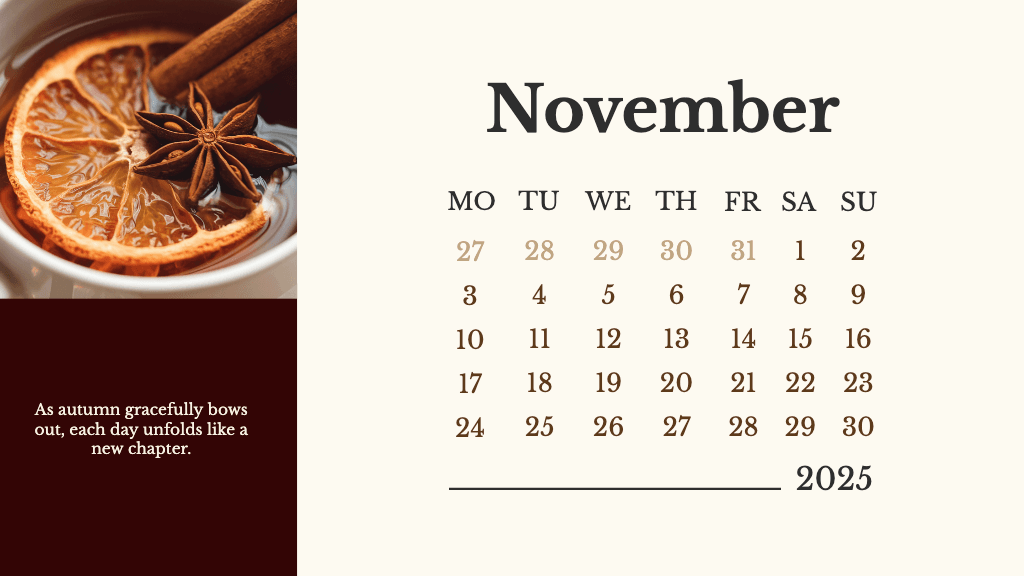
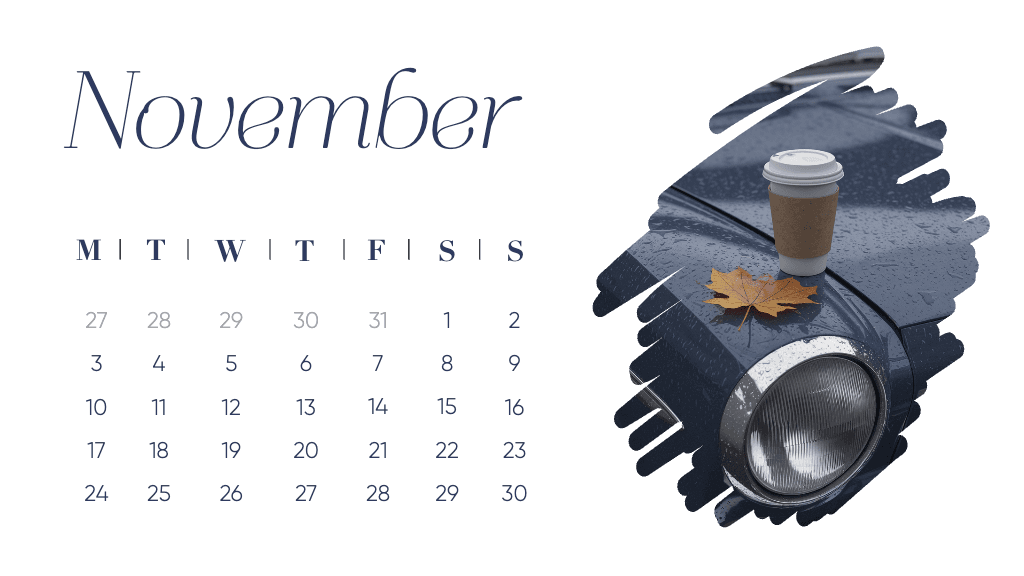
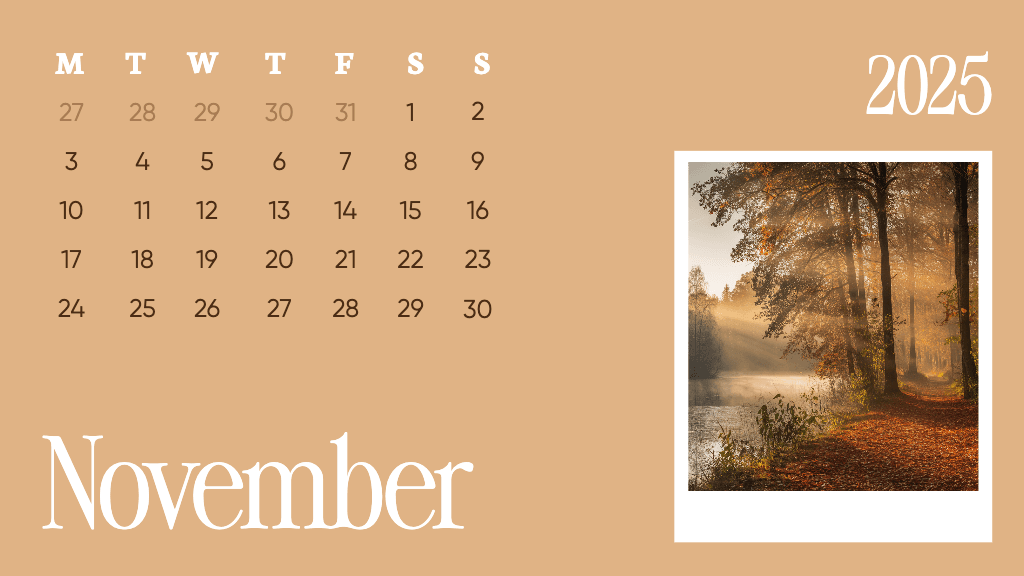
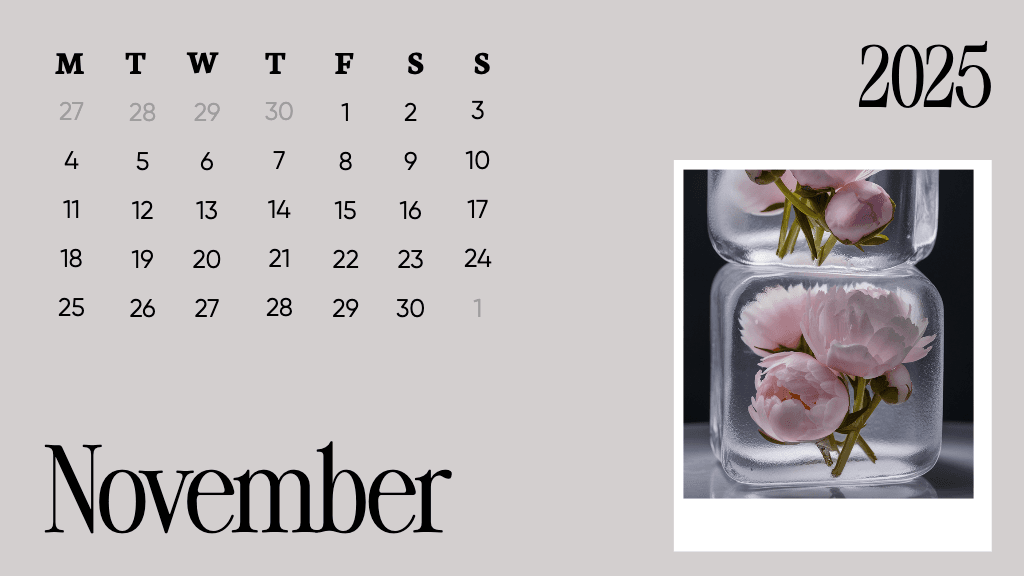
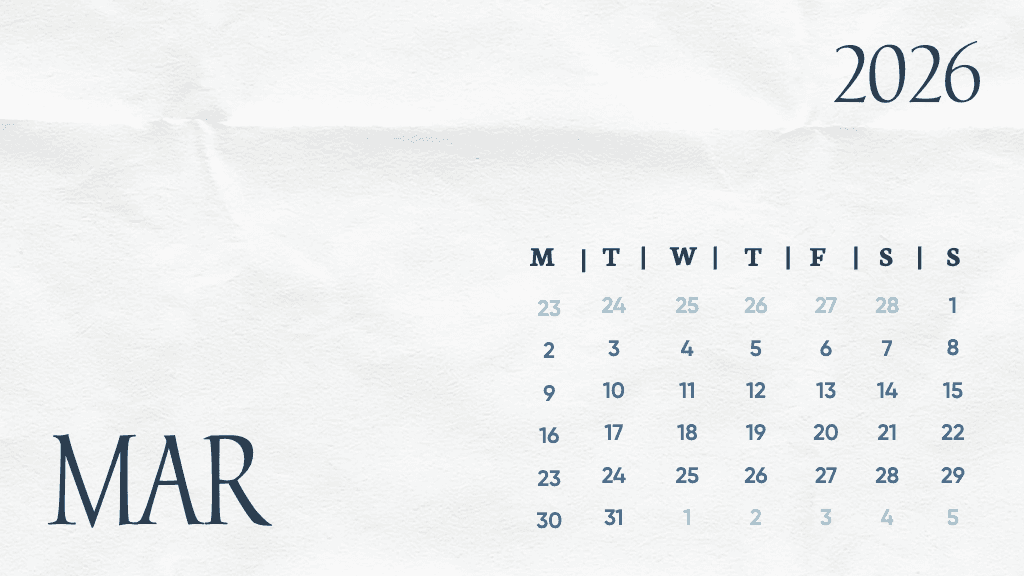
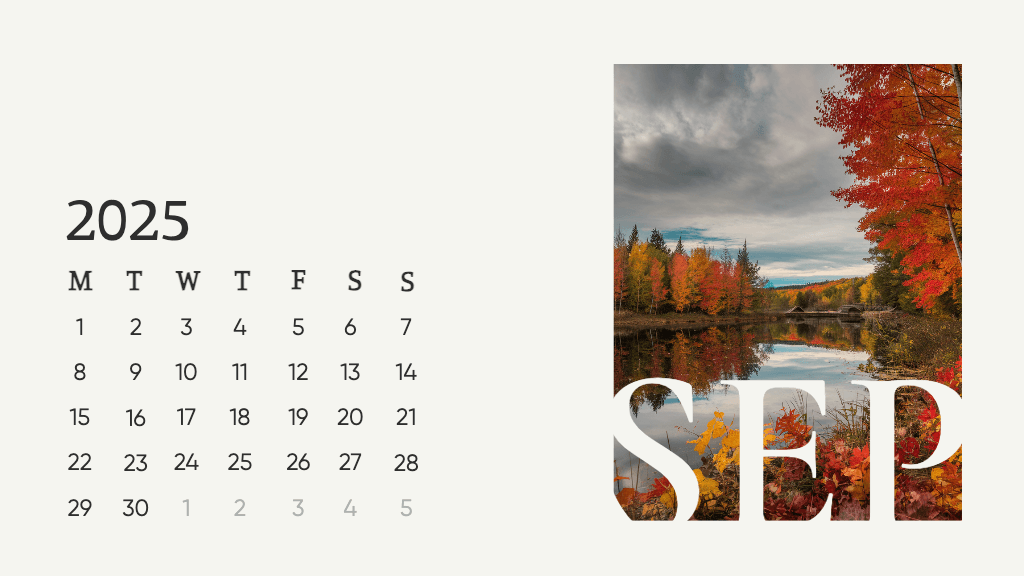
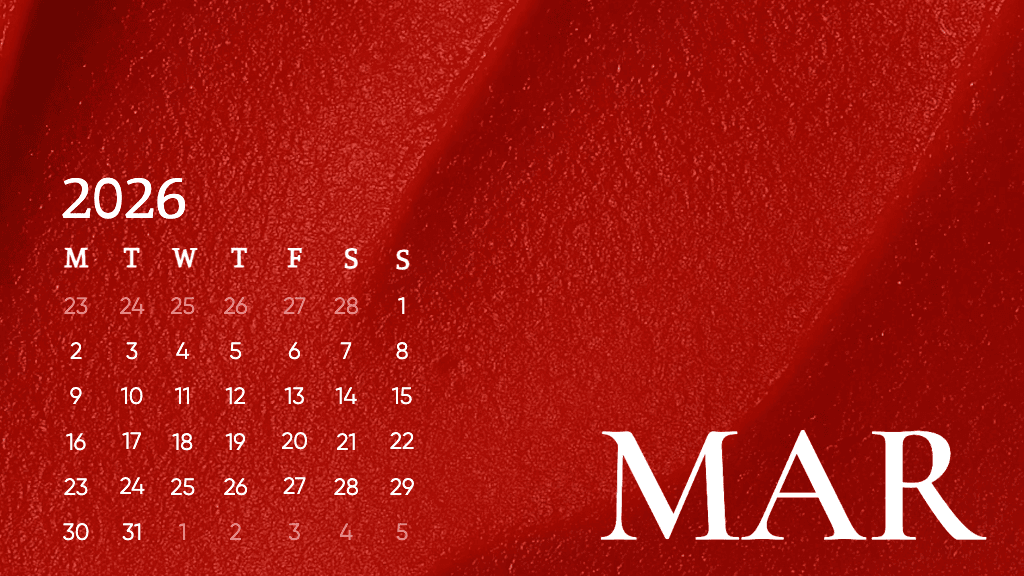
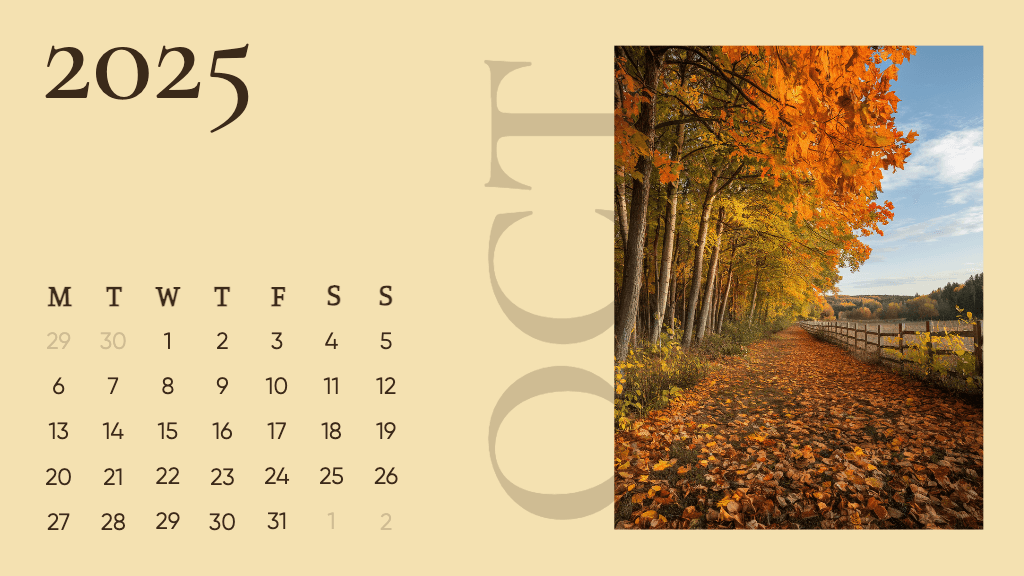
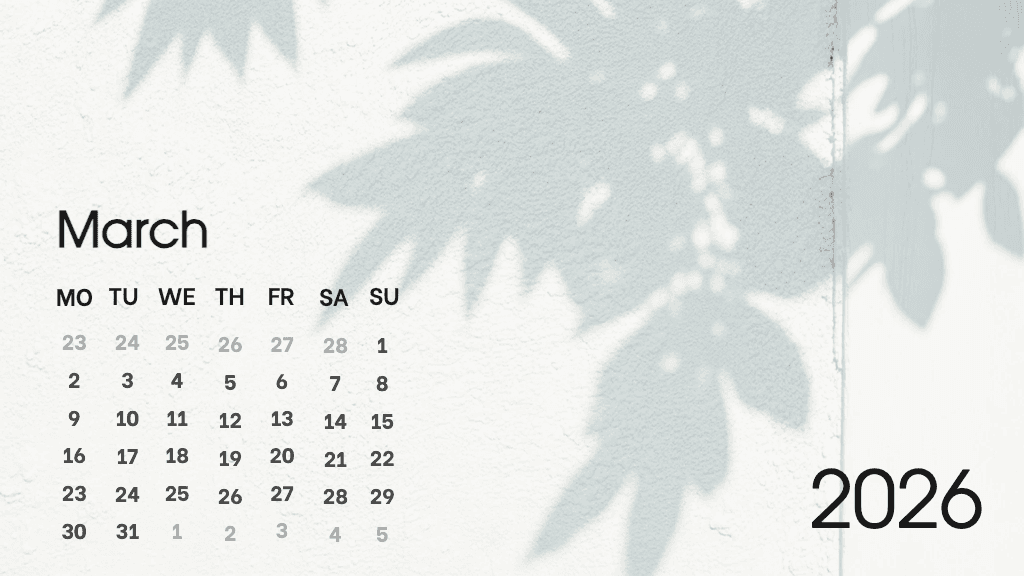
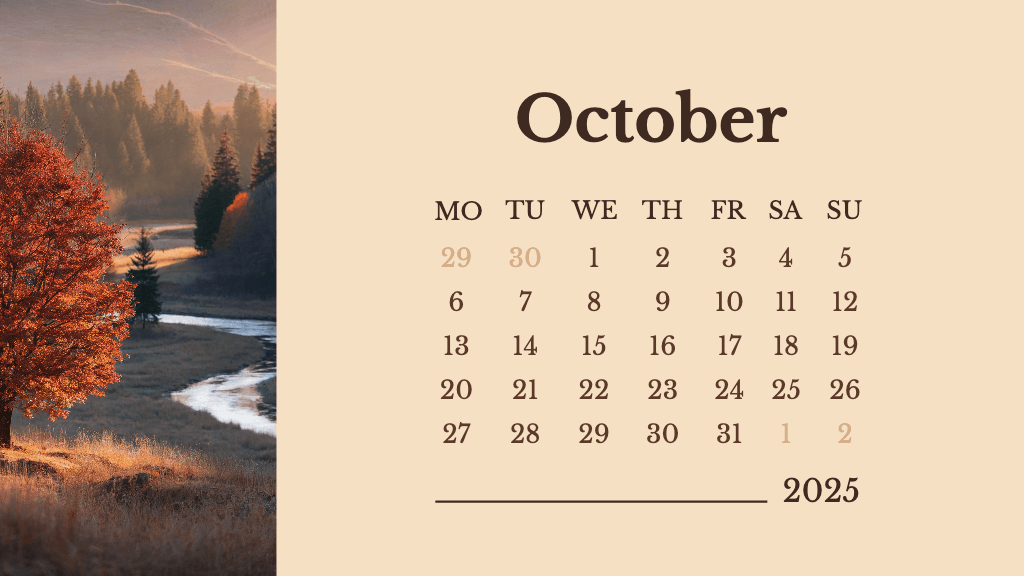
Discover calendar templates

Pick a template, add your photos or branding, and create a one-of-a-kind calendar in minutes.

Browse calendar templates

Create schedules with an all-encompassing calendar maker

Everything you need to design and customize calendars is available in one place with Picsart.

Calendar maker FAQ

Can I use Picsart’s calendar maker for free?

What types of calendars can I create?

Picsart allows you to design a wide range of calendars, including monthly planners, yearly overviews, and personalized photo calendars.

Can I print my calendar after creating it?

Absolutely! You can download your design in high resolution, making it print-ready for personal or professional use.

Do I need design experience to use the calendar maker?

Not at all. Picsart’s user-friendly tools are perfect for beginners and experienced designers alike.

Can I customize calendar templates?

Yes, every element of Picsart’s templates is customizable, including dates, colors, photos, and layouts.

Design calendars for brands, events, and social content

MOST POPULAR

Pro

AI tools for everyday creative work.

$15$10.5/mo
Billed yearly
012345678901234567890123456789credits/month
Add credits as needed
  • Access to all photo & video editing features
  • Advanced background & object removal
  • Parallel video generations with the world's most powerful AI video models
  • Unlimited image generations with Flex.2 Klein
  • 1-tap image enhancer
  • Millions of stock photos & Getty video clips
  • Selection of trendy fonts, text styles & stickers
  • Thousands of premium templates
  • Support for 3+ brand kits
  • Bulk edit up to 50 images at once
  • 100 GB of cloud storage
New features:
  • Auto-generate content from your terminal or agent with the Picsart CLI
  • Use Picsart inside Claude Code, Cursor, and ChatGPT via MCP — coming soon
  • AI agents for multi-step workflows and batch generation — coming soon

Ultra

Heavy AI usage for creators & teams.

$45$24.5/mo
Billed yearly, per seat
0123456789,012345678901234567890123456789credits/month
Add credits as needed
5x more usage than Pro
  • Everything in Pro
  • Early access to advanced AI features
  • Leading AI models to design & automate workflows (Nano Banana, Veo 3, Seedance 2.0 & more)
  • Parallel video generations with the world's most powerful AI video models
  • Unlimited image generations with Flex.2 Klein
  • Support for 10+ brand kits
  • Add team seats
  • Create ad variations and localize
  • Track ads performance
  • 2000 credits for API services
  • Bulk edit up to 100 images at once
  • 300 GB of cloud storage per seat
New features:
  • Auto-generate content from your terminal or agent with the Picsart CLI
  • Use Picsart inside Claude Code, Cursor, and ChatGPT via MCP — coming soon
  • AI agents for multi-step workflows and batch generation — coming soon

Enterprise

Custom AI solutions for large organizations.

Custom
Contact for pricing
Custom credit volume
  • Access to photo & video editor SDKs
  • Mobile web SDK support
  • Prepaid or pay-as-you-go creative APIs
  • Embed professional-grade editing into your product or workflow
  • Fully configurable editing experience
  • White-label to match your brand
  • Support for built-in marketing, e-commerce & printing use cases
  • Bring your own assets: images, templates & fonts
  • Enterprise-grade security, SLAs & support
  • Dedicated account manager