Free Facebook post maker: Design custom posts online
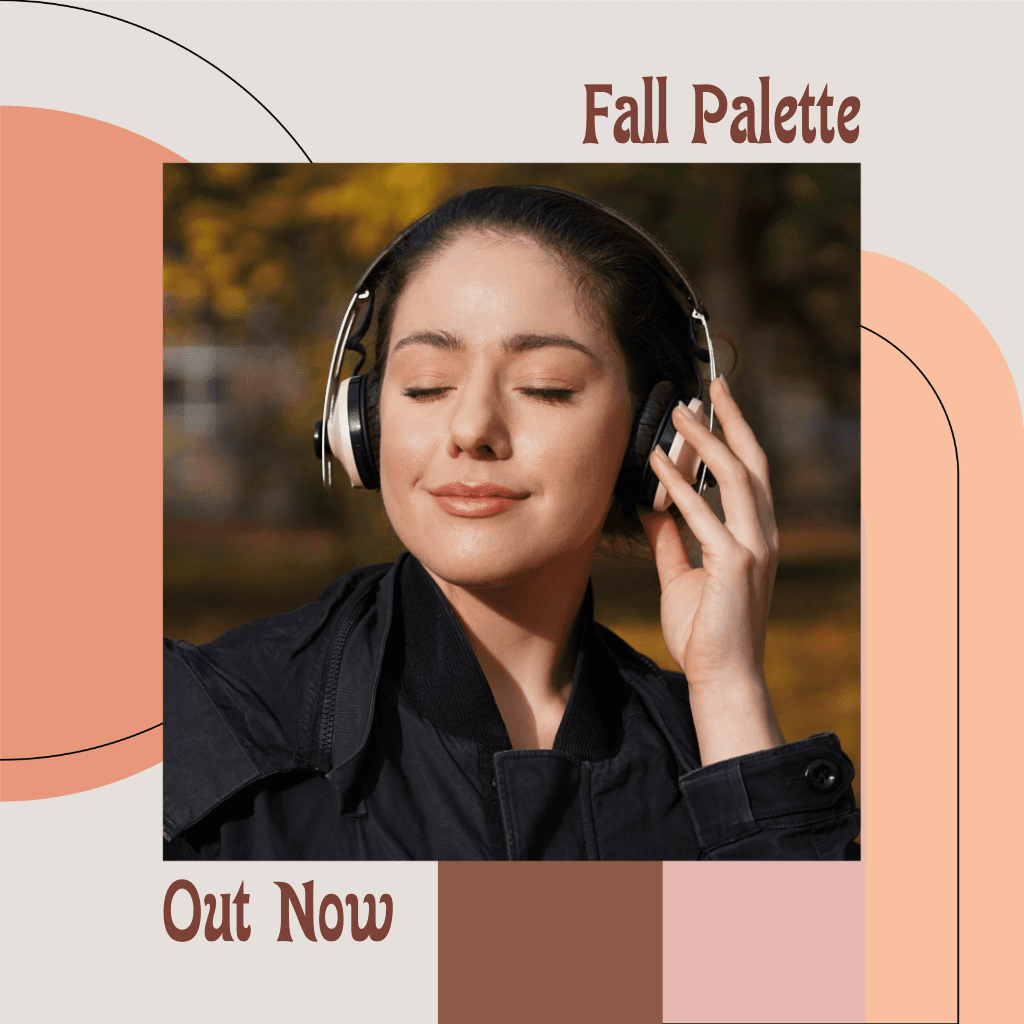
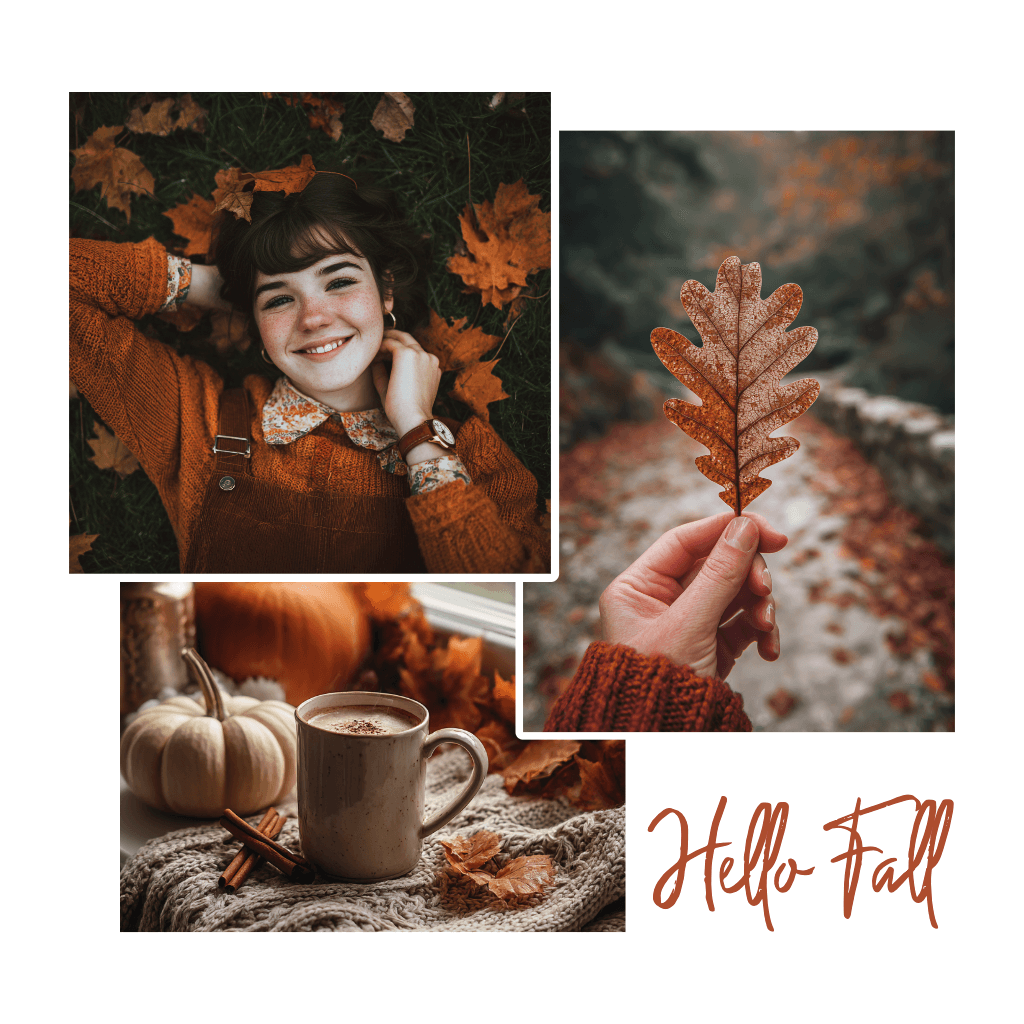
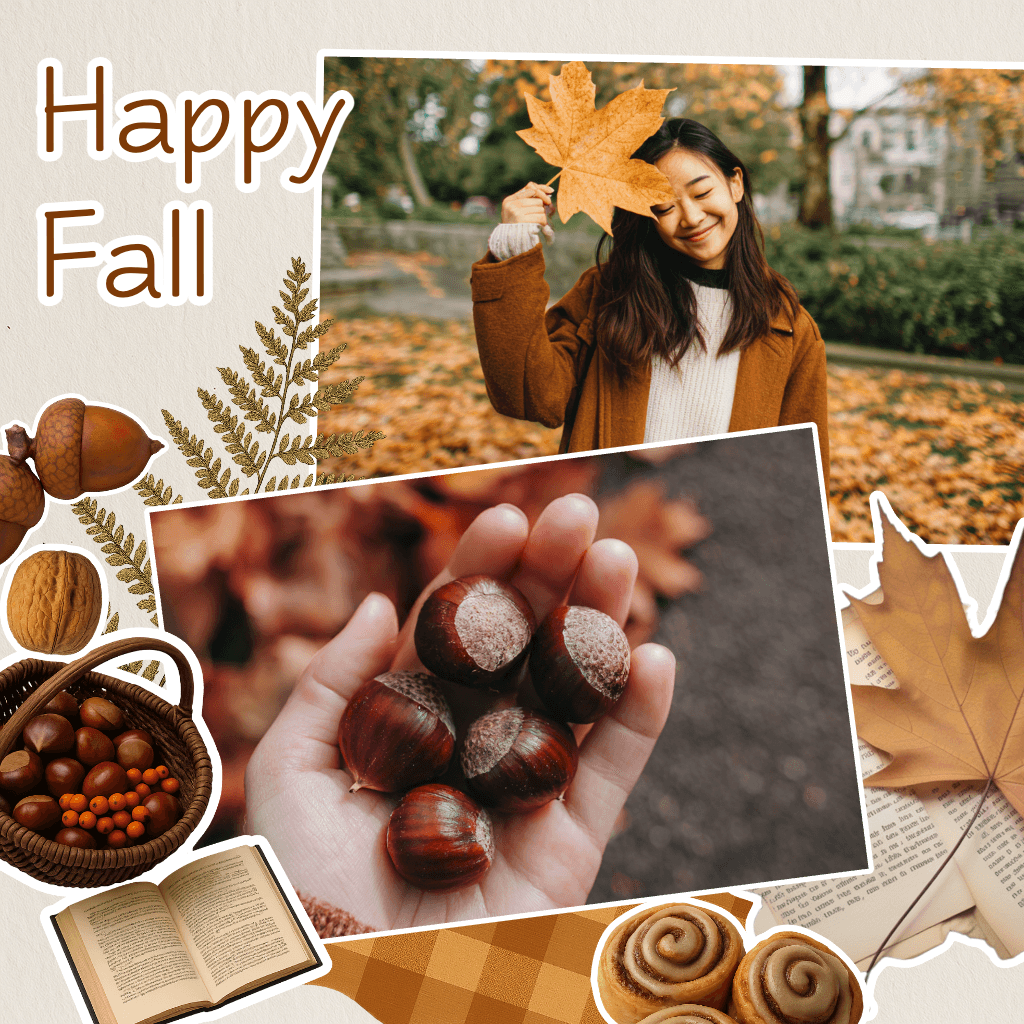
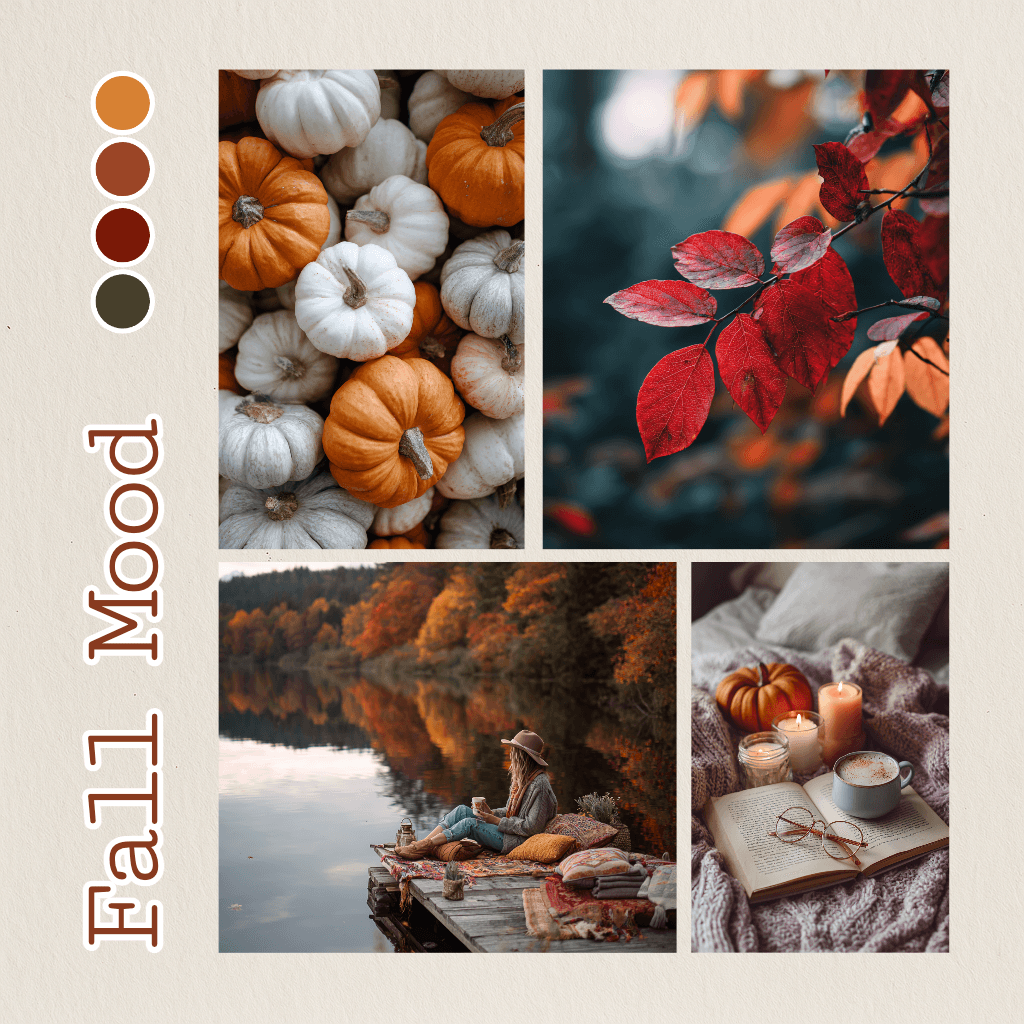
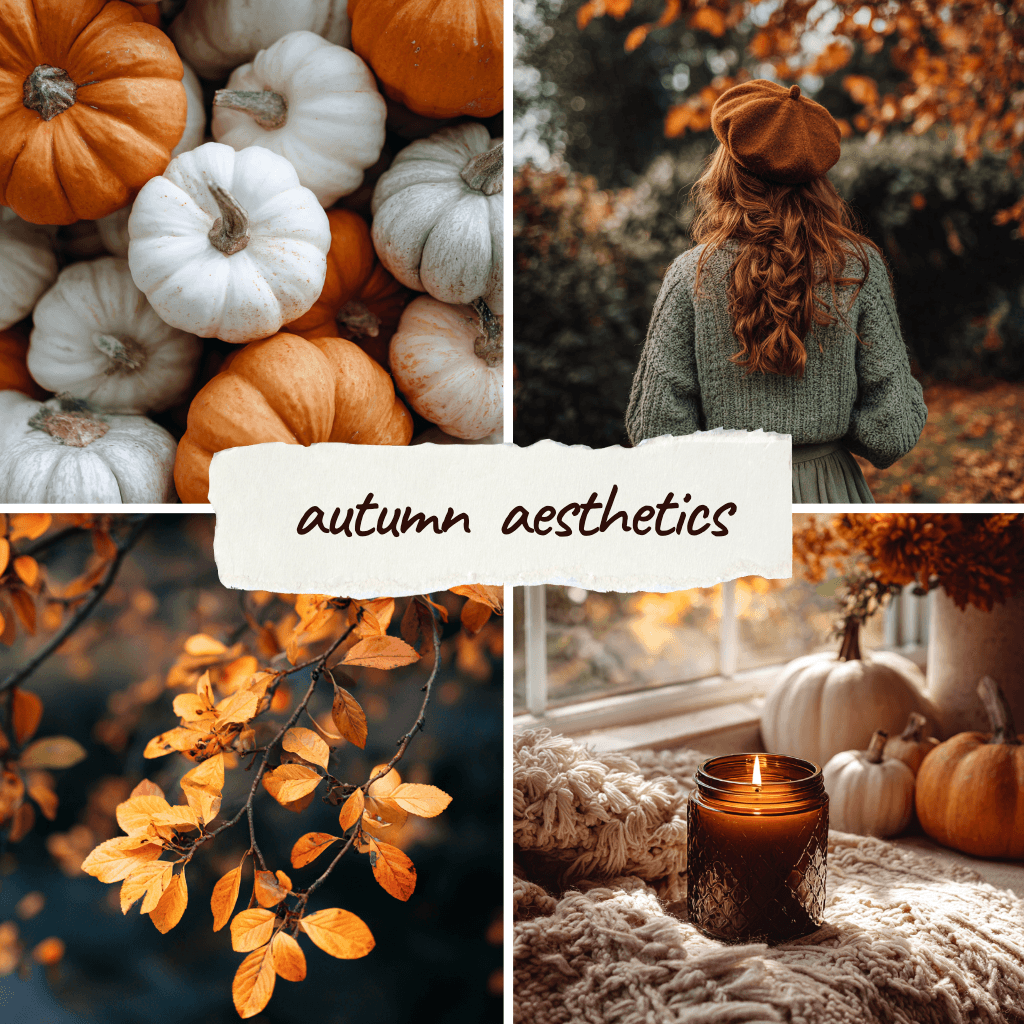
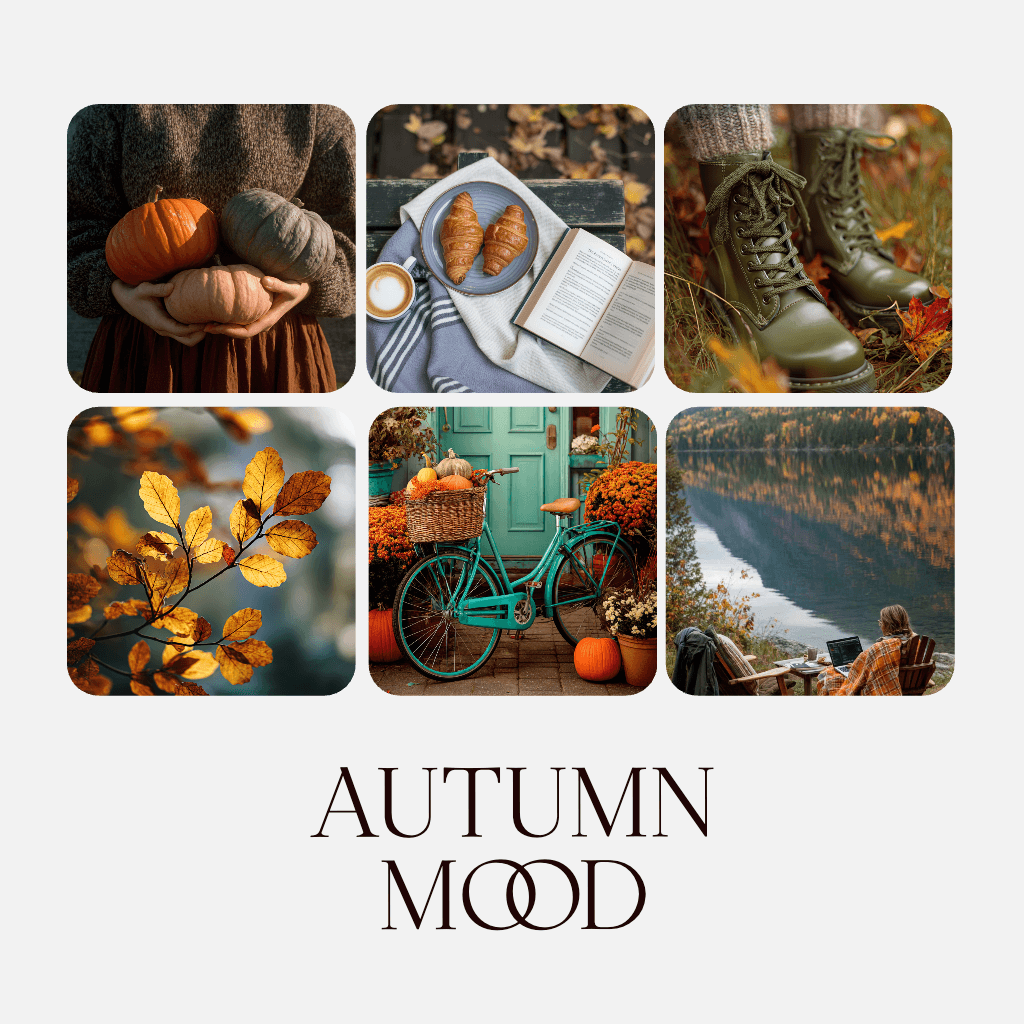
Create attention-grabbing social media content in no time with Picsart’s Facebook post maker. From personal updates to business promotions, explore a vast library of templates, fonts, stickers, and backgrounds. With just a few clicks, craft posts that resonate with your audience and stand out in the feed.


Free to use
Enjoy access to a wide selection of free design tools and templates to create stunning Facebook posts.

Pre-designed templates
Get a headstart with expertly crafted templates designed specifically for Facebook posts.

Full customization
Easily tweak every element of your post—from text to images—to match your style.
How to make a Facebook post
1
Open Picsart
Use the “Start creating” button to open the editor and begin.
2
Pick a template
3
Customize
4
Download