Easy to use
No design skills needed! Create beautiful wedding invitations with Picsart’s intuitive tools.

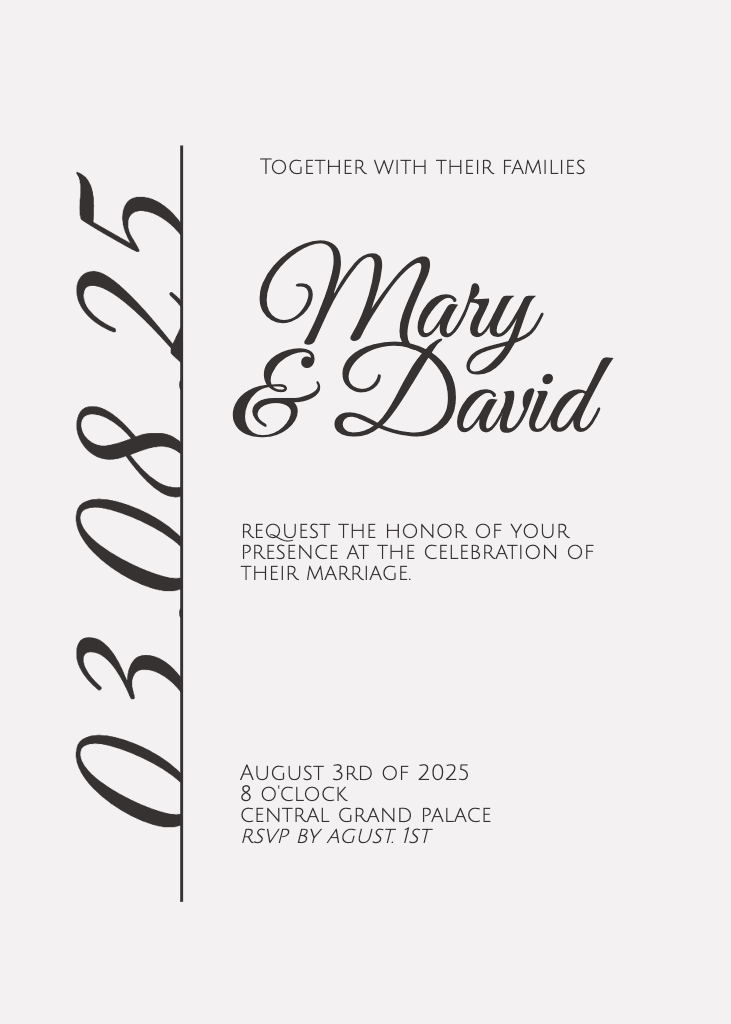
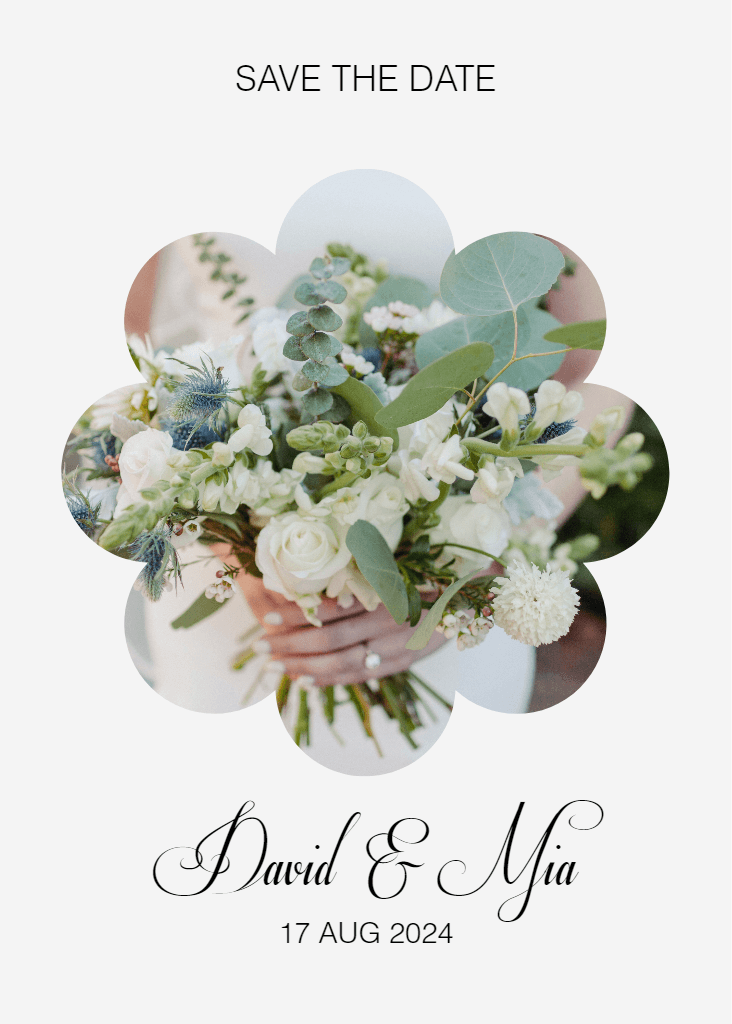
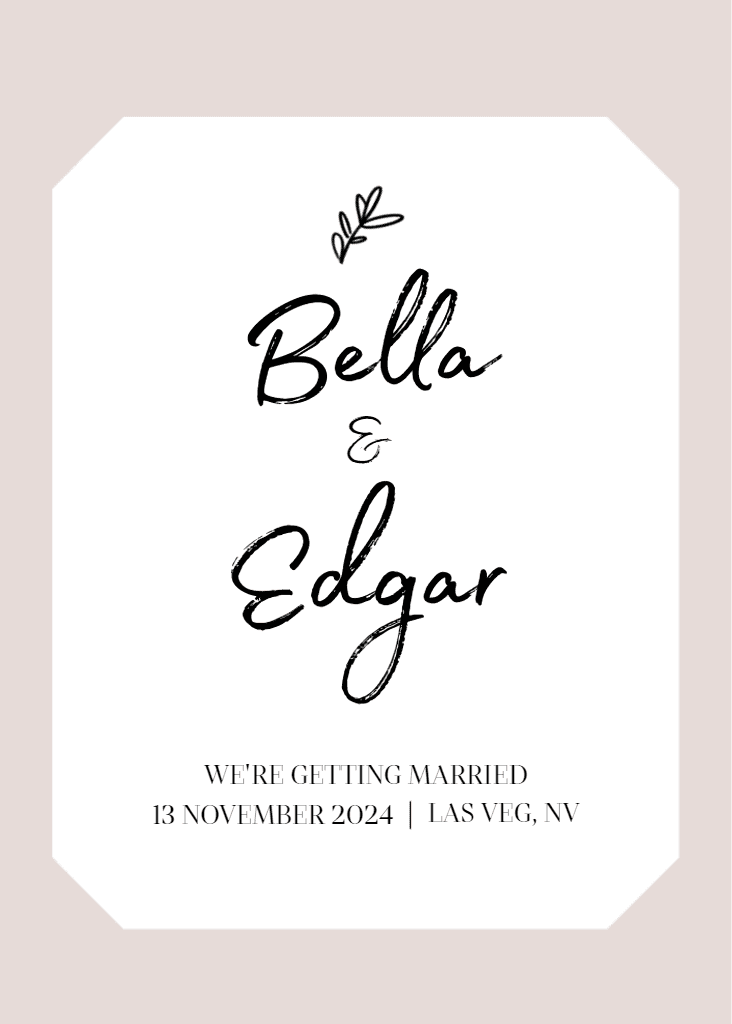
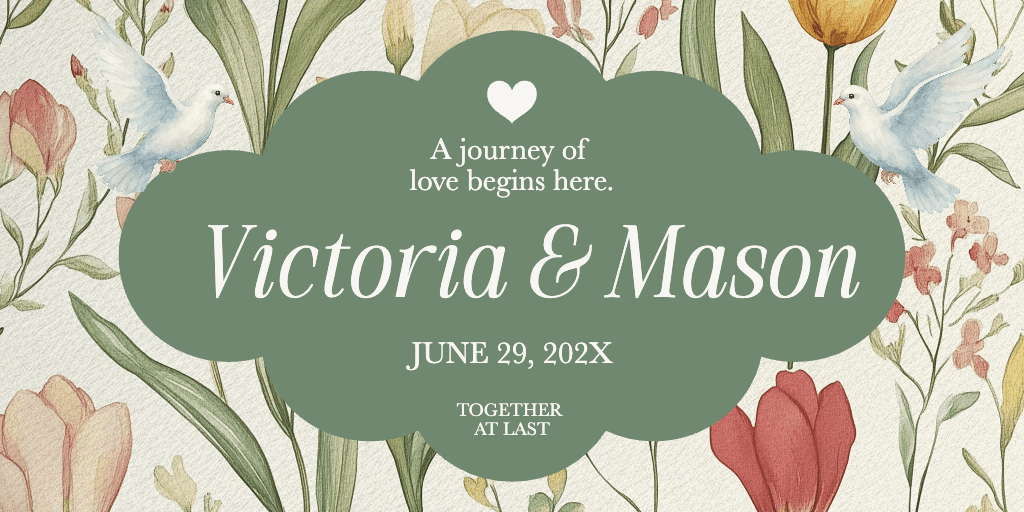
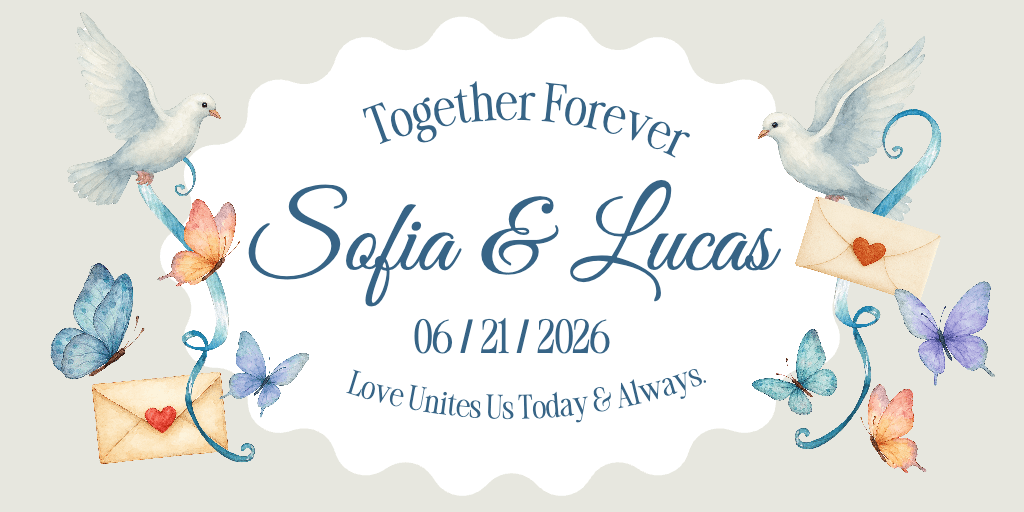
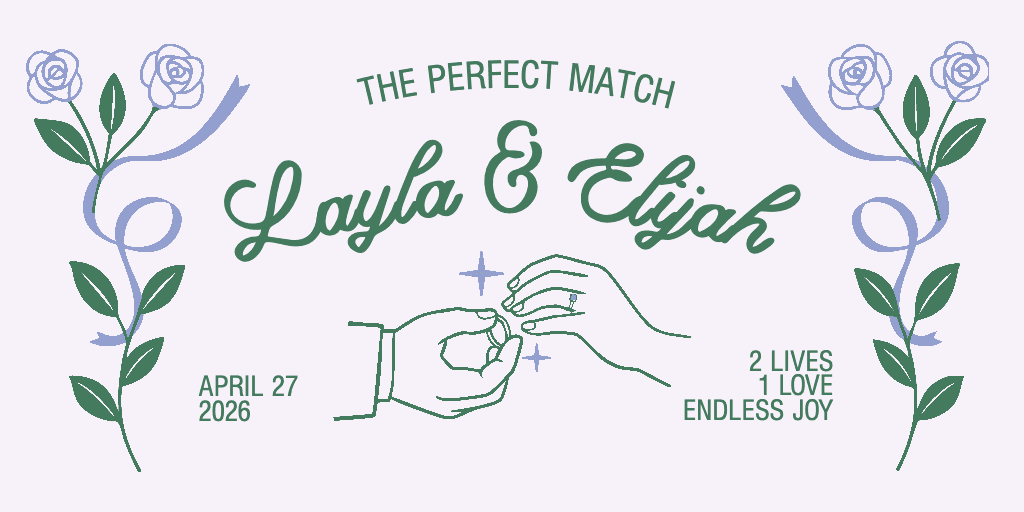
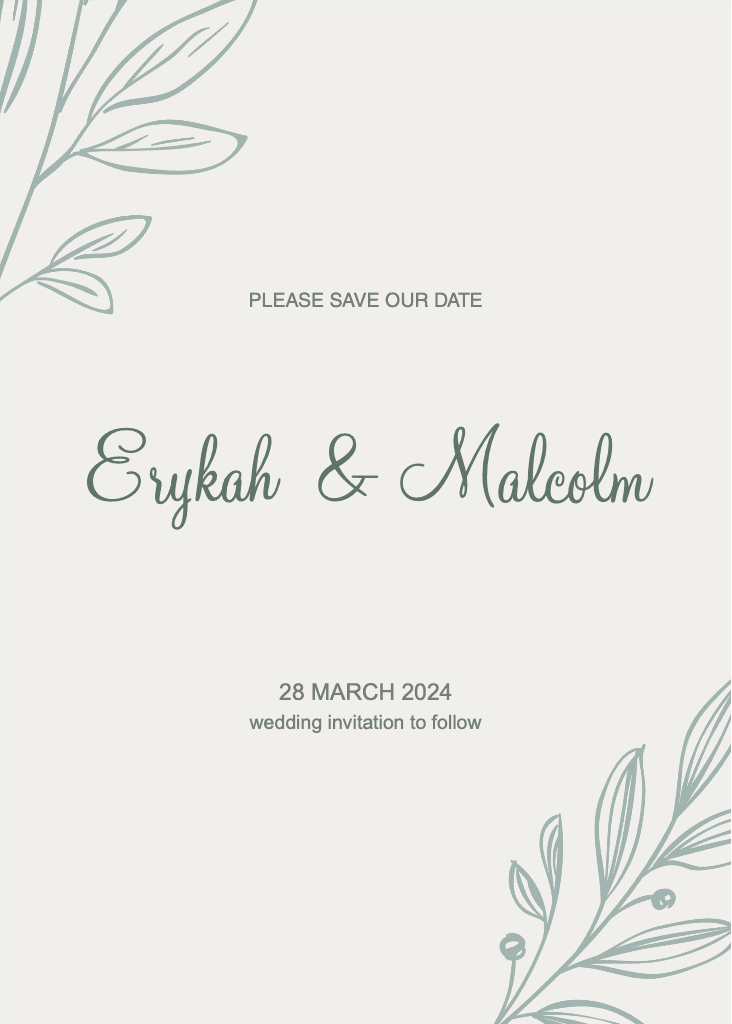
Wedding invitation design templates
Start with a template and make it your own. Tons of elegant styles to choose from!

Customization with AI tools
Elevate your invitations with AI-powered design tools like AI writer, sticker maker, and more.
Discover wedding invitation maker templates
It’s easy to create art with graphic design templates. Choose from stunning templates made by professional designers and edit them with just a few clicks.
How to Create a Wedding Invitation with Picsart
Open Picsart
Use the Start creating button to open the Picsart editor and get started.
Choose a template
Edit the text
Customize
Download

All the tools you need in one place
Intuitive tools make design simple, even without any experience.
Elegant templates to kickstart your design.
Total control over text, images, and every detail.
A wide variety of fonts to match your style.
Enhance your invitations with our vast library of visuals.
Download in JPG, PNG, and more.
Get crisp, clear invitations.
Designs exported with Picsart are optimized for printing.
Wedding invitation maker FAQ
What size should my wedding invitation be?
Can I add my own photos to my wedding invitation?
Yes! Upload your engagement photos or other images to personalize your invitations.
What's the best way to share my wedding invitations?
You can print your invitations at home or through a professional service. You can also share them digitally via email or social media.
Can I create matching RSVP cards and thank you notes?
Absolutely! You can use Picsart to easily design a cohesive suite of wedding stationery.
Where can I find inspiration for my wedding invitation design?
Browse Picsart’s library of Wedding invitation templates, or find inspiration on platforms like Pinterest.
Design wedding invitations for events, celebrations, and campaigns
Pro
AI tools for everyday creative work.
- Access to all photo & video editing features
- Advanced background & object removal
- Parallel video generations with the world's most powerful AI video models
- Unlimited image generations with Flex.2 Klein
- 1-tap image enhancer
- Millions of stock photos & Getty video clips
- Selection of trendy fonts, text styles & stickers
- Thousands of premium templates
- Support for 3+ brand kits
- Bulk edit up to 50 images at once
- 100 GB of cloud storage
- Auto-generate content from your terminal or agent with the Picsart CLI
- Use Picsart inside Claude Code, Cursor, and ChatGPT via MCP — coming soon
- AI agents for multi-step workflows and batch generation — coming soon
Ultra
Heavy AI usage for creators & teams.
- Everything in Pro
- Early access to advanced AI features
- Leading AI models to design & automate workflows (Nano Banana, Veo 3, Seedance 2.0 & more)
- Parallel video generations with the world's most powerful AI video models
- Unlimited image generations with Flex.2 Klein
- Support for 10+ brand kits
- Add team seats
- Create ad variations and localize
- Track ads performance
- 2000 credits for API services
- Bulk edit up to 100 images at once
- 300 GB of cloud storage per seat
- Auto-generate content from your terminal or agent with the Picsart CLI
- Use Picsart inside Claude Code, Cursor, and ChatGPT via MCP — coming soon
- AI agents for multi-step workflows and batch generation — coming soon
Enterprise
Custom AI solutions for large organizations.
- Access to photo & video editor SDKs
- Mobile web SDK support
- Prepaid or pay-as-you-go creative APIs
- Embed professional-grade editing into your product or workflow
- Fully configurable editing experience
- White-label to match your brand
- Support for built-in marketing, e-commerce & printing use cases
- Bring your own assets: images, templates & fonts
- Enterprise-grade security, SLAs & support
- Dedicated account manager