Picsart for Codex: One install, 140+ models, straight in your code.

How to make a resume

1

Open the resume maker

Use the the Create my resume button to launch the resume builder.

2

Select a template

3

Customize

4

Download

Get career-boosting results with resume templates

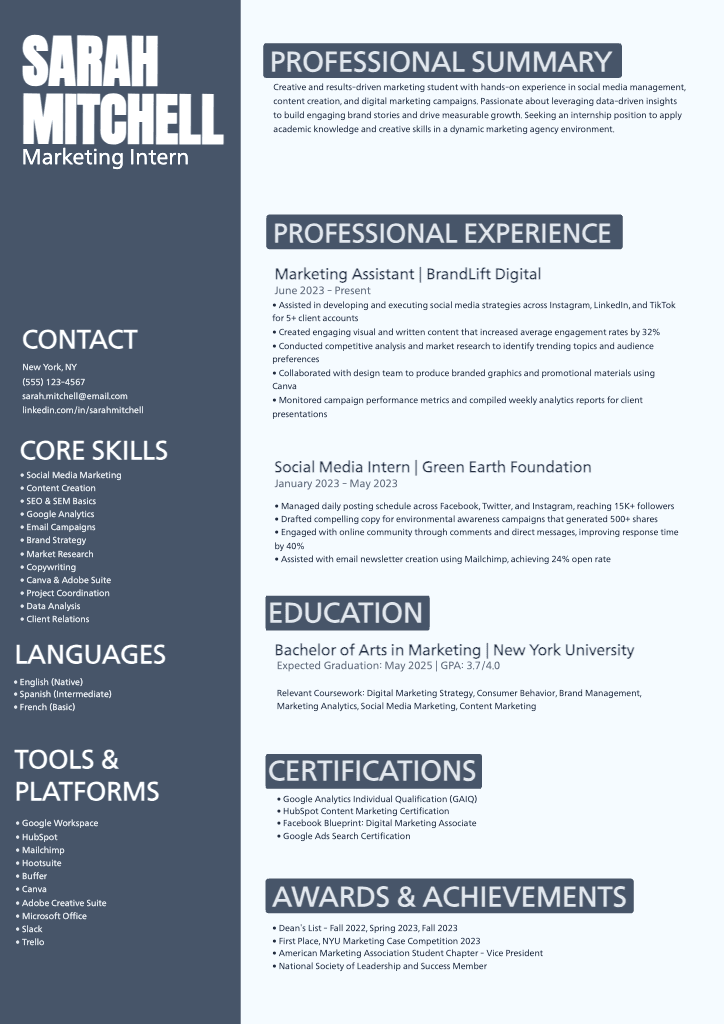
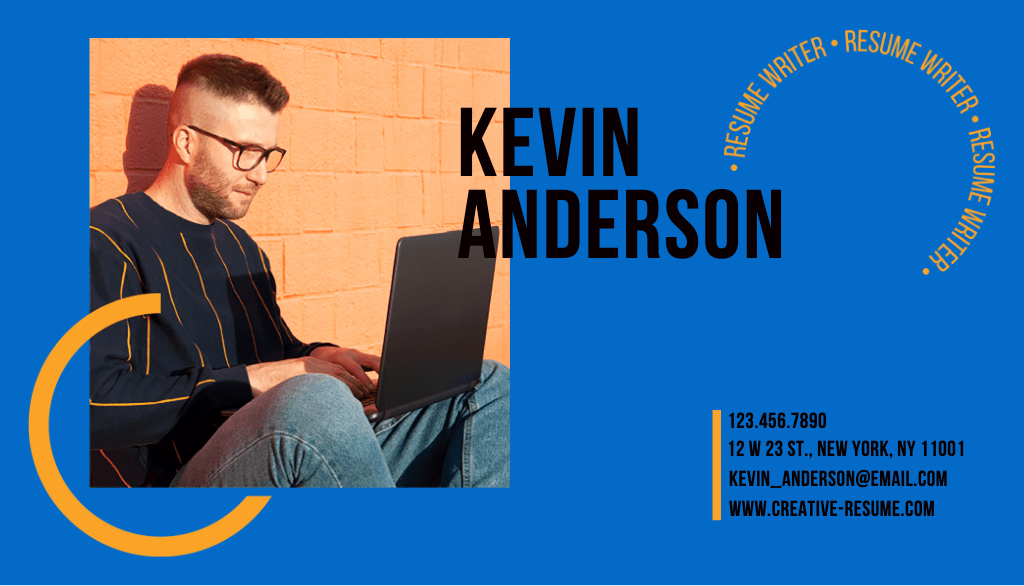
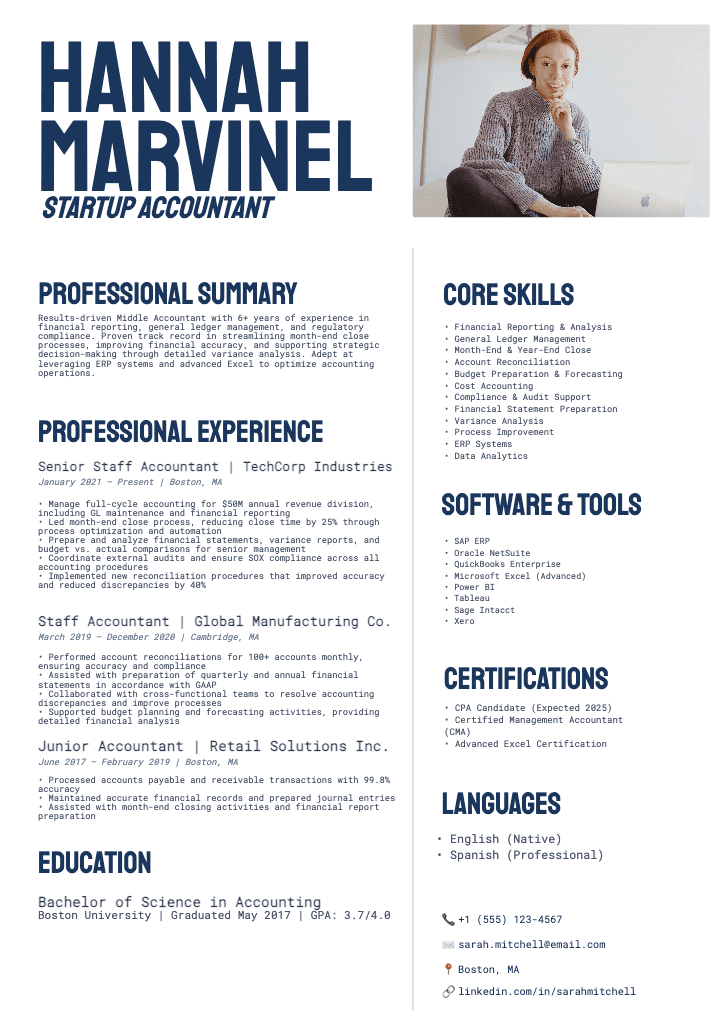
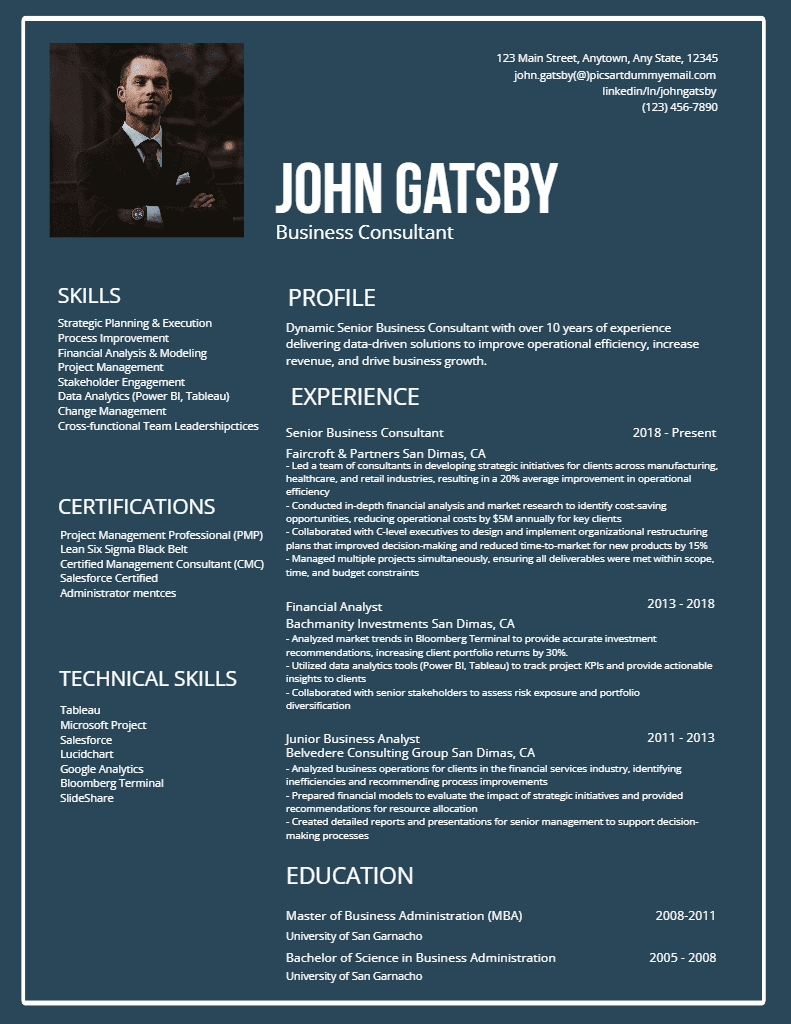
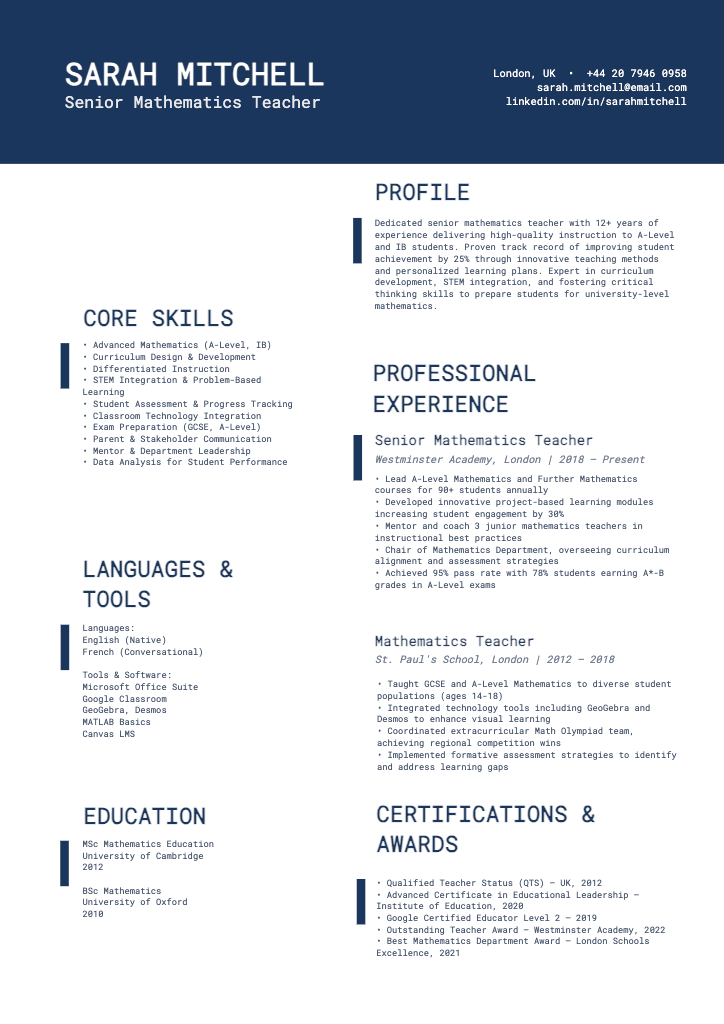
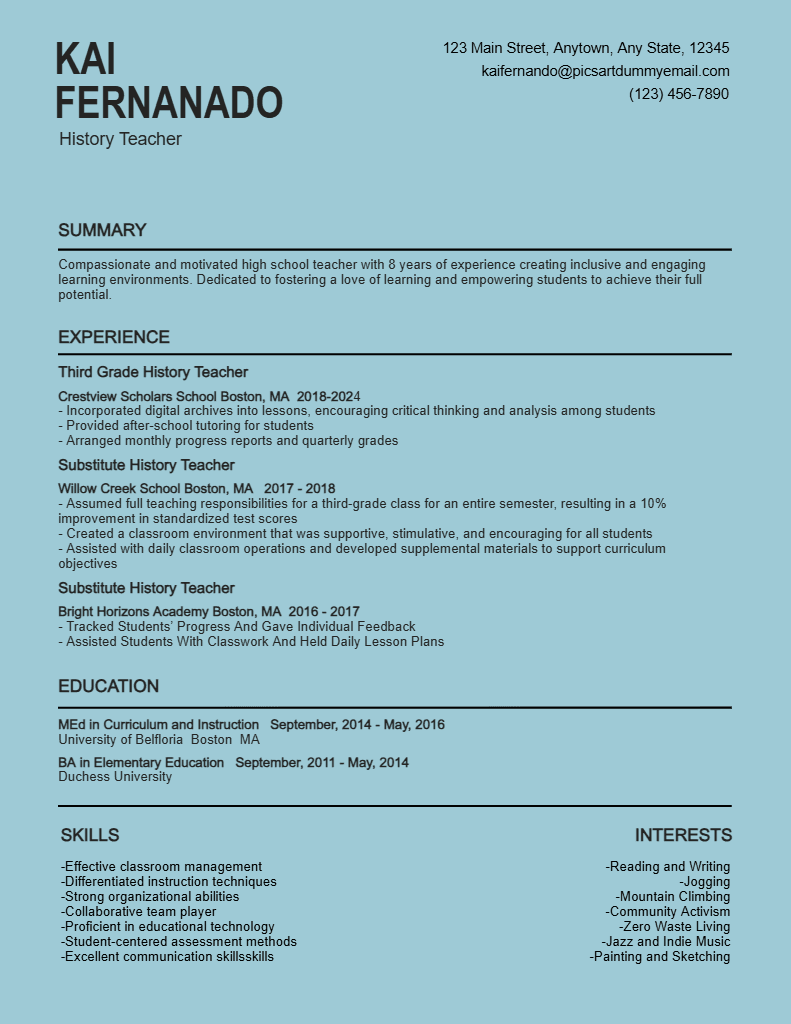
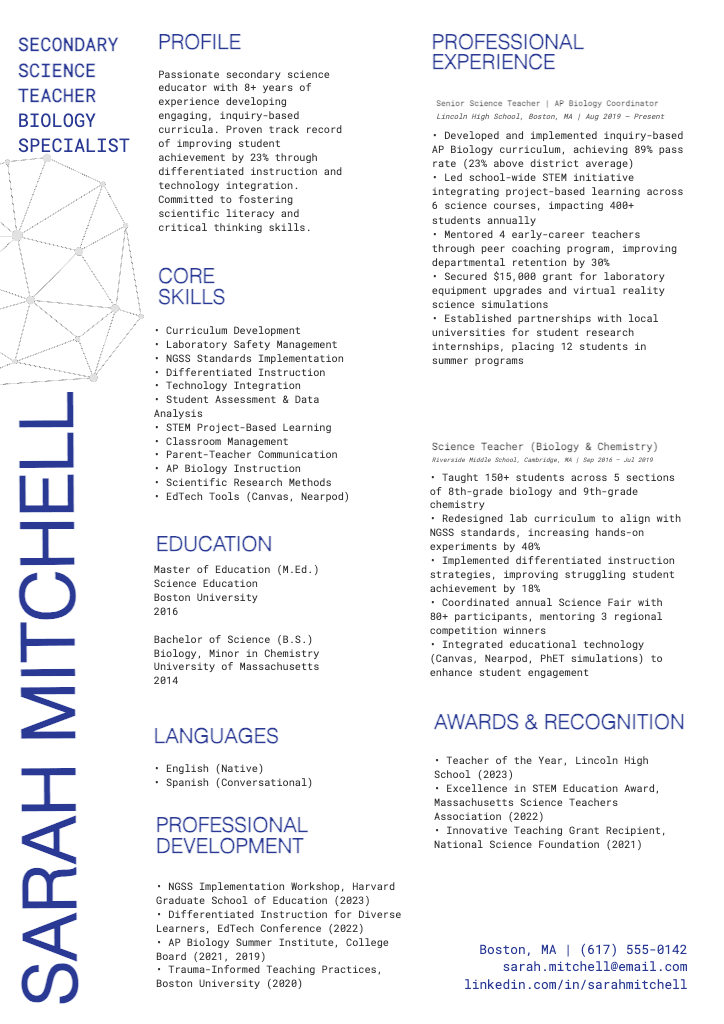
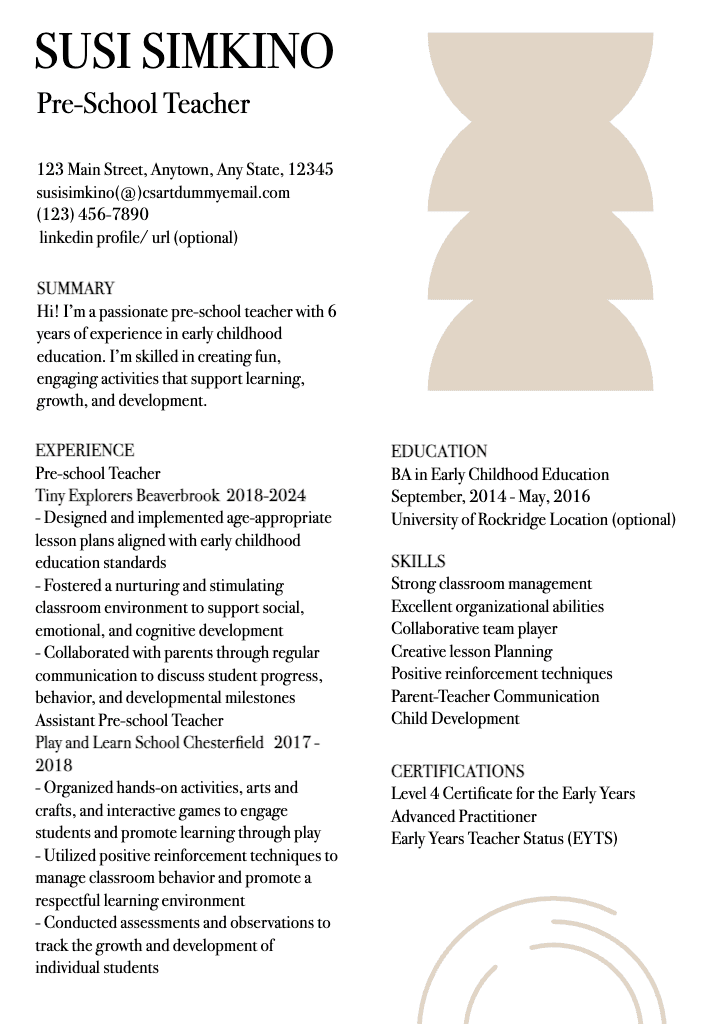
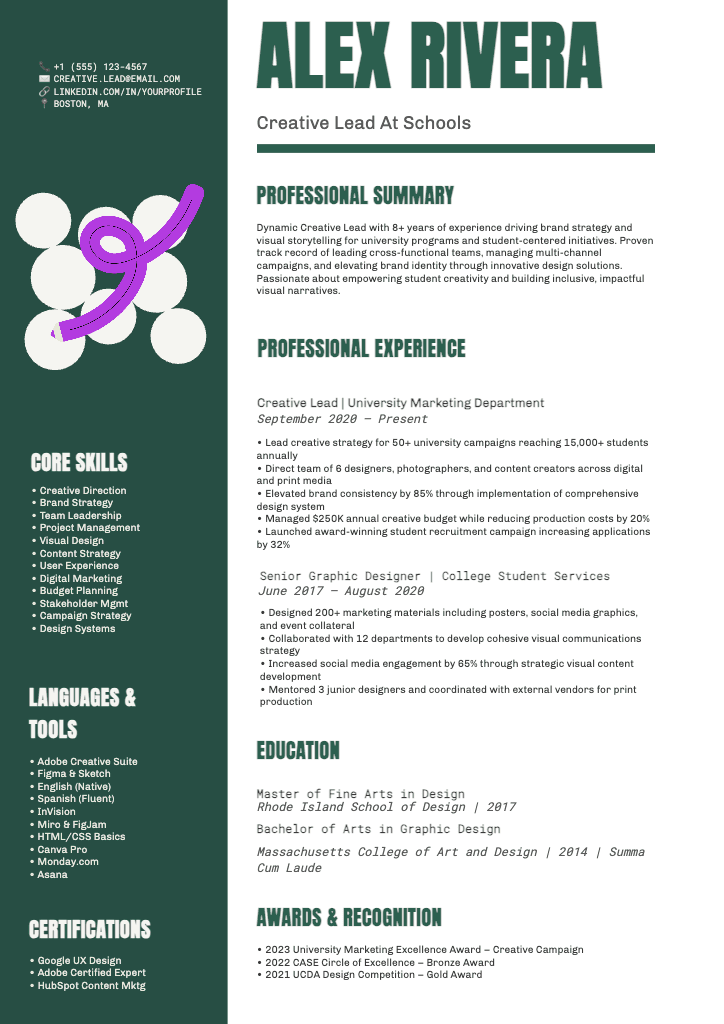
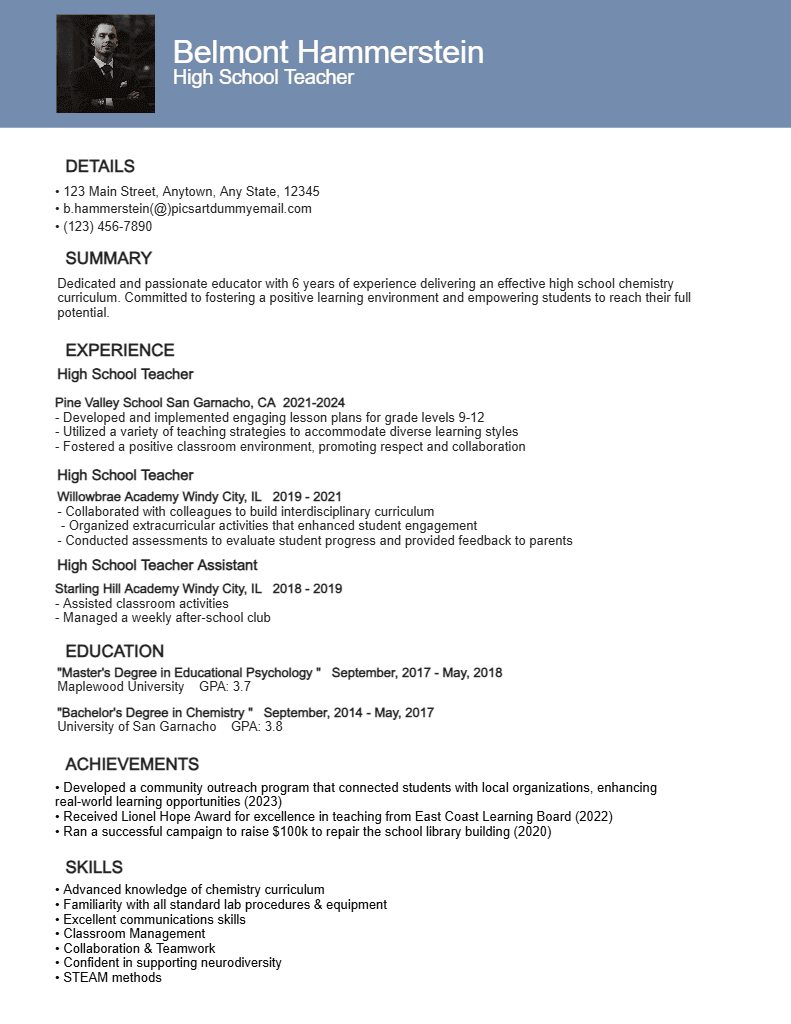
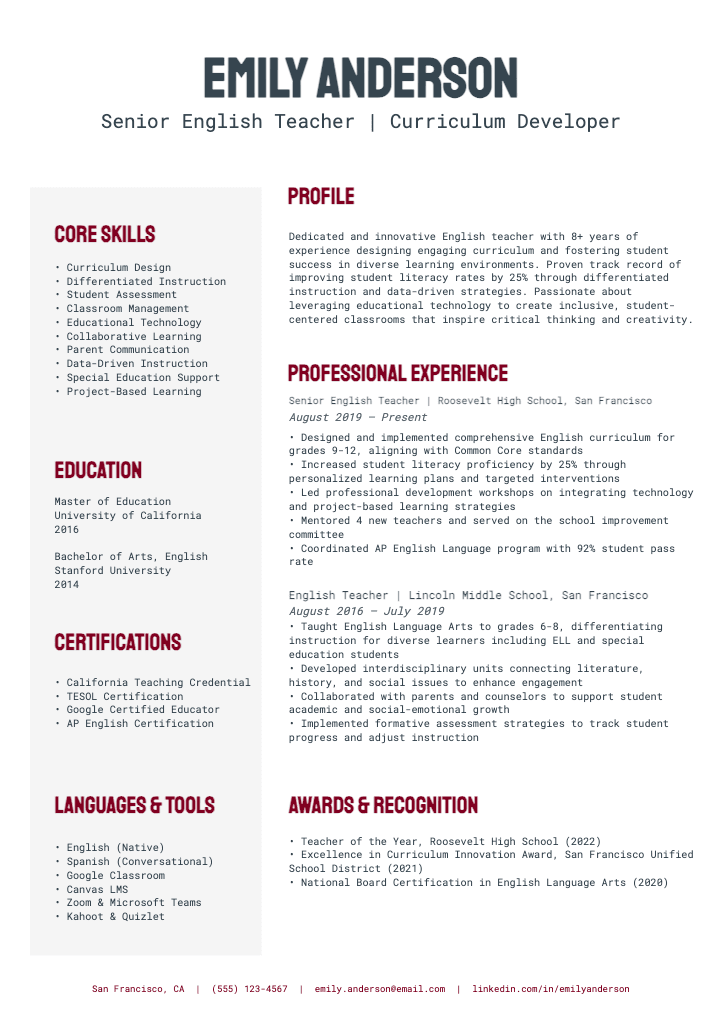
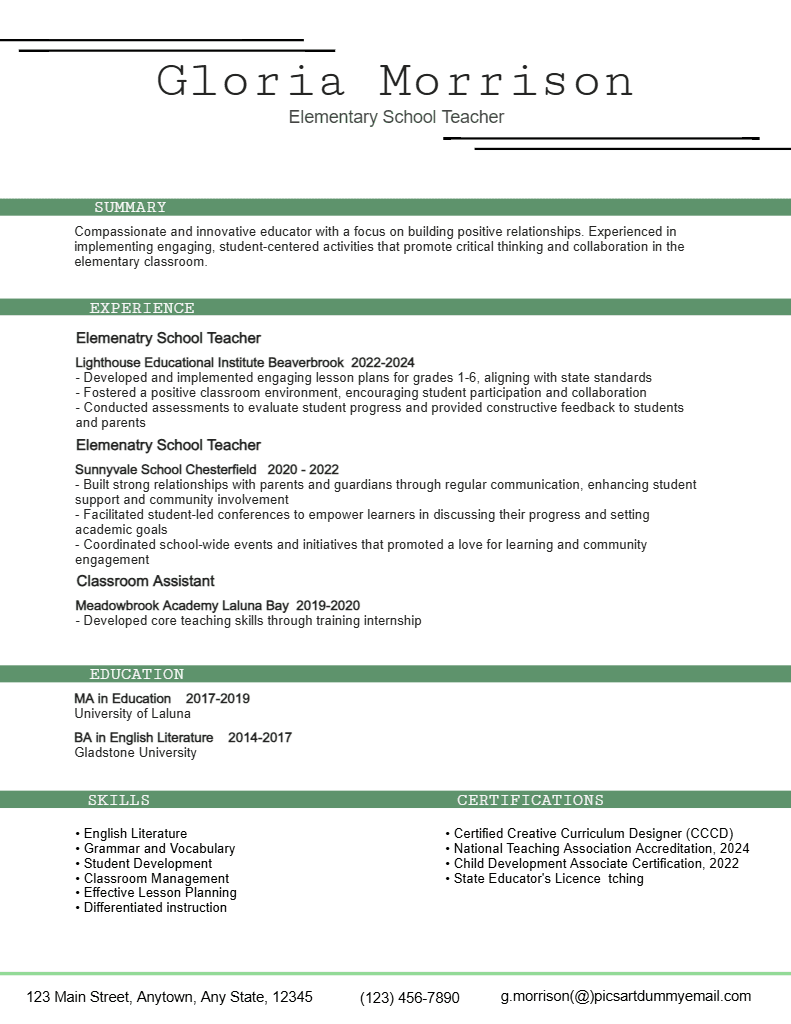
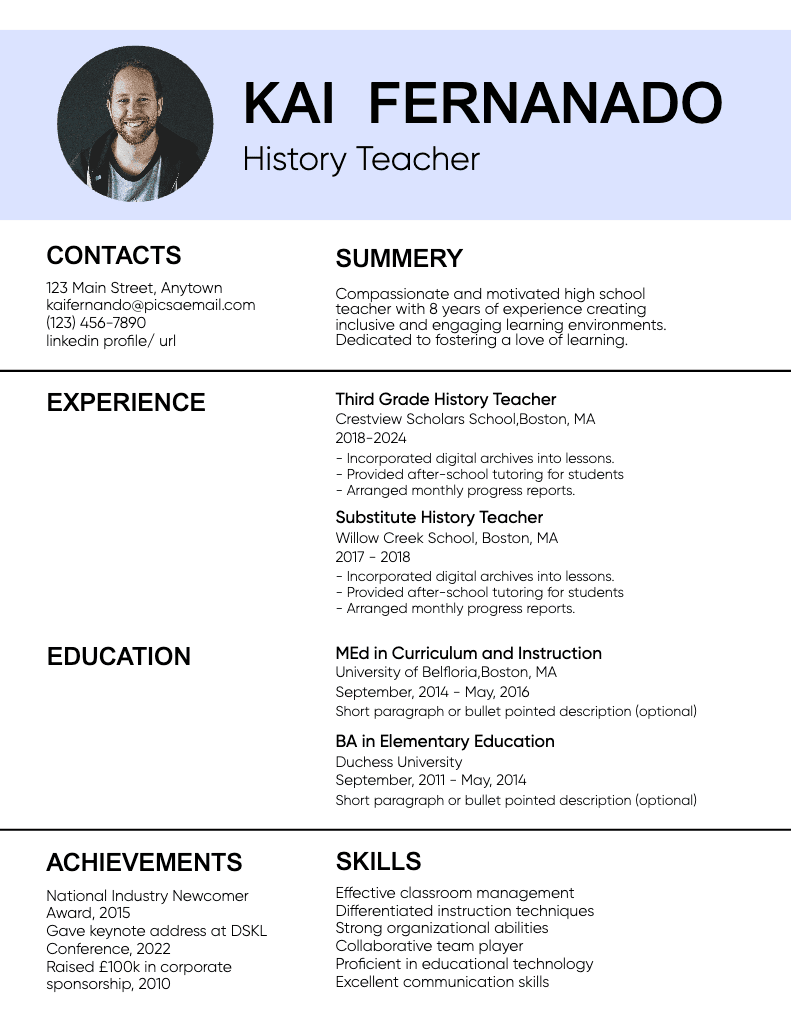
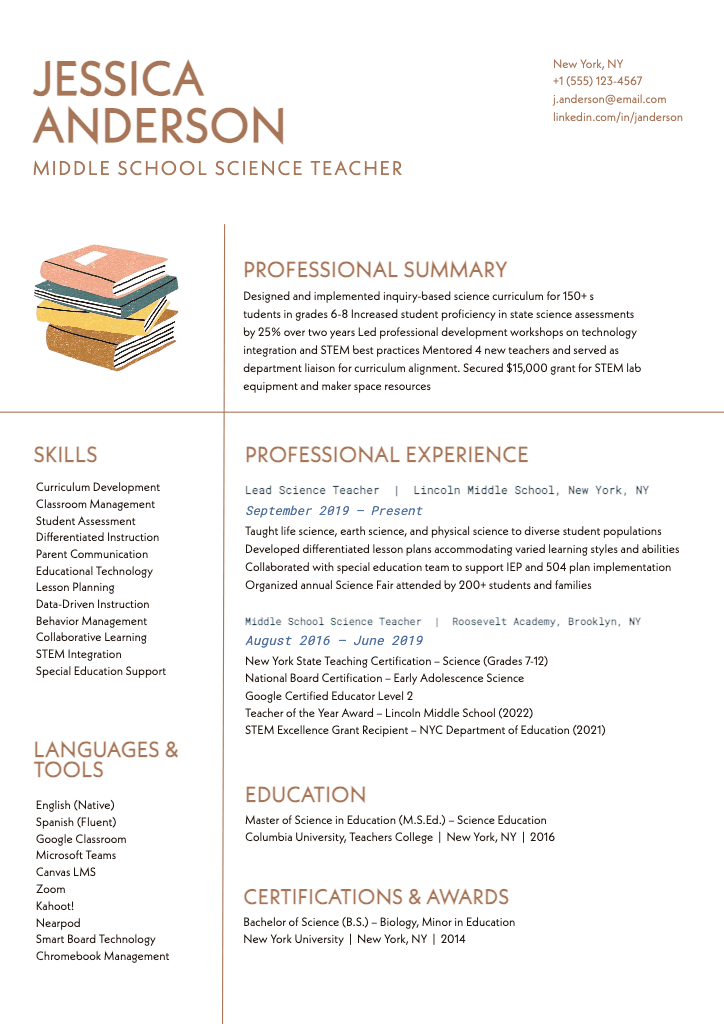
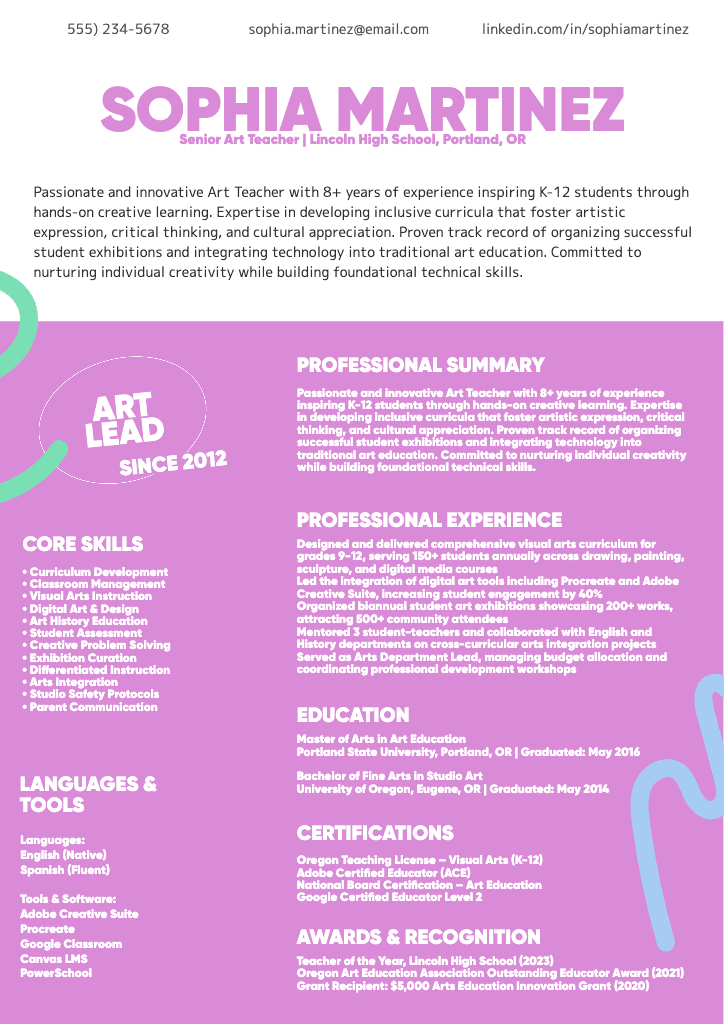
Stand out instantly with the right design. Picsart’s free resume maker offers professional-quality templates with expertly designed layouts to jumpstart the process. Achieve a traditional, minimal, or creative aesthetic with ease, and add your personal details to perfect the design.


Resume maker FAQ

How should a professional resume look?

Is the Picsart resume maker free to use?

Yes! You can use Picsart’s free resume builder online to design resumes, CVs, and other types of profiles. Some tools and content may require a subscription, but the editor includes a variety of free tools and resume templates available at no charge.

Can I use this resume builder for any type of job?

Of course! The resume maker includes a large variety of ready-to-use designs in common resume styles because they’re widely used across popular industries. However, you’re free to customize the layout and look of your resume to suit a specific job or aesthetic. While it’s great to be creative, make sure your resume design aligns with professional standards in your target field or industry.

Is the resume maker customizable?

Absolutely! Templates are available for your convenience, but you can also choose a blank canvas to create a resume from scratch. Then, insert elements such as headers, text boxes, dividers, shapes, and images to create a totally personalized layout. If you plan to use the design again, save it as a template for future projects.

How do I choose the right template for my resume?

Choose a resume template by researching the standards and expectations of employers in your field or industry. Also, consider the amount of information you need to include and how you can downplay any weak points. Then, pick a template that allows you to easily organize the content while maintaining clarity. For example, a template with a large header, wide margins, and broad line spacing can improve the visual balance of a resume with minimal work experience.

Can I create multiple resumes for different job applications?

Sure! One option is to create a resume template and customize it for individual applications. If you’re applying in industries with wide-ranging standards, such as creative fields, it may be beneficial to design multiple resumes with different aesthetics and use them with compatible employers.

How long does it take to create a resume?

The time it takes to create a resume depends on your goals. When using a template, you can generate a resume online in a few minutes by simply filling in your details. If you prefer to build resumes from scratch, you can rearrange design elements until you’re satisfied and decide how much time to spend on the project.

Should resumes be one page?

In most cases, a one-page resume is preferred because recruiters must review them quickly to find potential matches. However, a two-page format is often acceptable for a curriculum vitae (CV) or any job role requiring substantial experience, as the applicant must have an in-depth work history.


Design resumes for work, applications, and business needs

MOST POPULAR

Pro

AI tools for everyday creative work.

$15$10.5/mo
Billed yearly
012345678901234567890123456789credits/month
Add credits as needed
  • Access to all photo & video editing features
  • Advanced background & object removal
  • Parallel video generations with the world's most powerful AI video models
  • Unlimited image generations with Flex.2 Klein
  • 1-tap image enhancer
  • Millions of stock photos & Getty video clips
  • Selection of trendy fonts, text styles & stickers
  • Thousands of premium templates
  • Support for 3+ brand kits
  • Bulk edit up to 50 images at once
  • 100 GB of cloud storage
New features:
  • Auto-generate content from your terminal or agent with the Picsart CLI
  • Use Picsart inside Claude Code, Cursor, and ChatGPT via MCP — coming soon
  • AI agents for multi-step workflows and batch generation — coming soon

Ultra

Heavy AI usage for creators & teams.

$45$24.5/mo
Billed yearly, per seat
0123456789,012345678901234567890123456789credits/month
Add credits as needed
5x more usage than Pro
  • Everything in Pro
  • Early access to advanced AI features
  • Leading AI models to design & automate workflows (Nano Banana, Veo 3, Seedance 2.0 & more)
  • Parallel video generations with the world's most powerful AI video models
  • Unlimited image generations with Flex.2 Klein
  • Support for 10+ brand kits
  • Add team seats
  • Create ad variations and localize
  • Track ads performance
  • 2000 credits for API services
  • Bulk edit up to 100 images at once
  • 300 GB of cloud storage per seat
New features:
  • Auto-generate content from your terminal or agent with the Picsart CLI
  • Use Picsart inside Claude Code, Cursor, and ChatGPT via MCP — coming soon
  • AI agents for multi-step workflows and batch generation — coming soon

Enterprise

Custom AI solutions for large organizations.

Custom
Contact for pricing
Custom credit volume
  • Access to photo & video editor SDKs
  • Mobile web SDK support
  • Prepaid or pay-as-you-go creative APIs
  • Embed professional-grade editing into your product or workflow
  • Fully configurable editing experience
  • White-label to match your brand
  • Support for built-in marketing, e-commerce & printing use cases
  • Bring your own assets: images, templates & fonts
  • Enterprise-grade security, SLAs & support
  • Dedicated account manager