பேனர்களை நிமிடங்களில் வடிவமைக்க இலவச பேனர் மேக்கர்
ஆன்லைனில் கண்ணுக்கு கவர்ச்சியான பேனர்களை உருவாக்கவும் - விரைவாகவும் சிரமமின்றியும். விற்பனைக்கு, நிகழ்வுகளுக்கோ அல்லது சமூகத்திற்கு பதிலளிக்கும் உயர் தரமான பேனர்களை உருவாக்கவும். ஒவ்வொரு முறையும் அதிரடியாக முடிவுகளைப் பெறும் வகையில் ஒரு முறைமை செய்யப்பட்ட டெம்ப்ளேட்டை தனிப்பயனாக்கி ஆரம்பிக்கவும்.

AI பட மாடல்களுடன் பேனர்களை உருவாக்கவும்
விளம்பர பேனர்கள், சமூக தலைப்புகள் மற்றும் தொருங்கான தலைமையங்கலைக் கட்டுப்படுத்த பட மாடல்களைப் பயன்படுத்தவும்.

தனிப்பயன் பேனர் டெம்ப்ளேட்கள்
ஒரு முன்வரையறுக்கப்பட்ட அமைப்பை தேர்ந்தெடுத்து, செருகுகளுடன் ஒரு பேனரை அரசியல் செய்யவும்.

ஆயிரக்கணக்கான வடிவமைப்பு சொத்துரிமைக்கு அணுகல்
திறமையாக வடிவமைக்கப்பட்ட பின்னணிகள், பொத்தான்கள், கட்டங்கள் மற்றும் பலவற்றுடன் உங்கள் பேனர் வடிவமைப்புகளை வளப்படுத்தவும்.

எந்த சந்தர்ப்பத்திற்கும் பொருத்தமான பேனர்கள்
வலைப்பதிவுகள், விளம்பரங்கள், விழாக்கள், வணிக நிகழ்வுகள்—all க்கான ரேஞ்சில் டிஜிட்டல் மற்றும் அச்சு செயல்பாடுகளுக்கு பேனர்களை உருவாக்கவும்.
பேனர் செய்வது எப்படி
பேனர் மேக்கர் திறக்கவும்
எடிட்டருடன் தொடங்க Create now பொத்தானைத் தேர்ந்தெடுக்கவும்.
ஒரு டெம்ப்ளேட் தேர்ந்தெடுக்கவும்
தனிப்பயன் செய்யவும்
படங்கள் மற்றும் உரை சேர்க்கவும்
பதிவிறக்க

நெகிழ்வான டெம்ப்ளேட்களை பாவித்து உங்கள் முறையில் பேனர்களை உருவாக்கவும்
வெற்று விளக்கத்திலிருந்து தொடங்கவும் அல்லது அனைத்து நோக்கங்களுக்கும் - சந்தைப்படுத்தல், நிகழ்வுகள், தயாரிப்பு வெளியீடுகள் மற்றும் மேலும், அவற்றுக்கெனவே வடிவமைக்கப்பட்ட நேரத்தை மிச்சப்படுத்தும் பேனர் டெம்ப்ளேட்களை தேர்வுசெய்யவும். Picsart இன் பேனர் மேக்கர் மூலம், நீங்கள் ஒவ்வொரு விவரத்தையும் முழுமையாக தனிப்பயனாக்க முடியும்: நிறங்கள், எழுத்துருக்கள் மற்றும் படங்களை மாற்றவும், அமைப்புகளைச் சரிசெய்யவும் அல்லது உங்கள் சொந்த பிராண்ட் சொத்துகளை பதிவேற்றவும். லோகோ ஜெனரேட்டர், உருப்படி நீக்கி, பின்னணி மாற்றி, மற்றும் ஏஐ சக்தியுடன் கூடிய உரை பாணிகள் போன்ற படைப்பாற்றலான கருவிகளை ஆராய்ந்து உங்கள் வடிவமைப்பை தனித்துவமாகச் செய்யவும்.

ஒவ்வொரு தளத்திற்கும் பேனர்கள் செய்யப்பட்டவை
உங்கள் முகப்புப் பக்கம், landம் பொறுப்புகள் அல்லது தயாரிப்பு பக்கங்களில் யோசியத்துடன் பொருந்தும் பேனர்களால் கவனத்தை ஈர்க்கவும். ஒப்பந்தத்தை அறிவிக்கவும், புதிய வருகைகளை விளக்கவும் அல்லது கிளிக் செய்யக் கூடிய, மனங்களில் குறித்தப்படுத்தக்கூடிய வடிவமைப்புகளால் உங்கள் பிராண்ட் கதையை காட்சிப்படுத்தவும்.

எளிமையான வடிவமைப்பு கருவிகளை கொண்டு உங்கள் பிராண்டிங் சேர்க்கவும்
உங்கள் பேனர் உங்கள் பிராண்டை உணர செய்யுங்கள். உங்கள் லோகோவை பதிவேற்றவும் அல்லது லோகோ ஜெனரேட்டரை பாவித்து புதிய ஒன்றைக் கபசூ செய்யுங்கள், நிறப்பொறி கருவியிலிருந்து பிரண்டுடைய நிறங்களைத் தெரிவு செய்யவும் மற்றும் பெரிய எழுத்துருக்களிலிருந்து அதிக அளவில் உங்கள் பாணியை நேராய் முறையில் பொருந்தும்YO

உங்கள் தொழிலுக்கு செய்யப்பட்ட பேனர் வடிவமைப்புகளை ஆராயுங்கள்
மற்றவர்கள் செய்யவில்லையாயின் தெளிவாகும் முன்னே அரூபிவடிவில்லத்தில் பாவிக்கப்பட்ட, வழங்கப்பட்ட மற்றும் மறுகட்டமும் கருமறிமியும் போன்றவற்றை அபேக்சே யோட்ஸ் மற்றும் அசாறச் சுற்றூலும் மேலும் மிகவும் திறமையானவர் பல படங்களை பாதுகாப்புநடவப்படிப்பின் வகுப்புநடவுனத்தால் புதுவயதாக ஆசிங்ததால் இப்படி ஆகுன்றதனைத் தொடர்ந்து அவ்வத்தியுள்ளம் எக்கியவதாக கબிப்பிற்காஉவன்பதான்யுரும் மெதத்

பேனர் டெம்ப்ளேட்களுடன் உங்கள் வடிவமைப்பை தொடங்குங்கள்
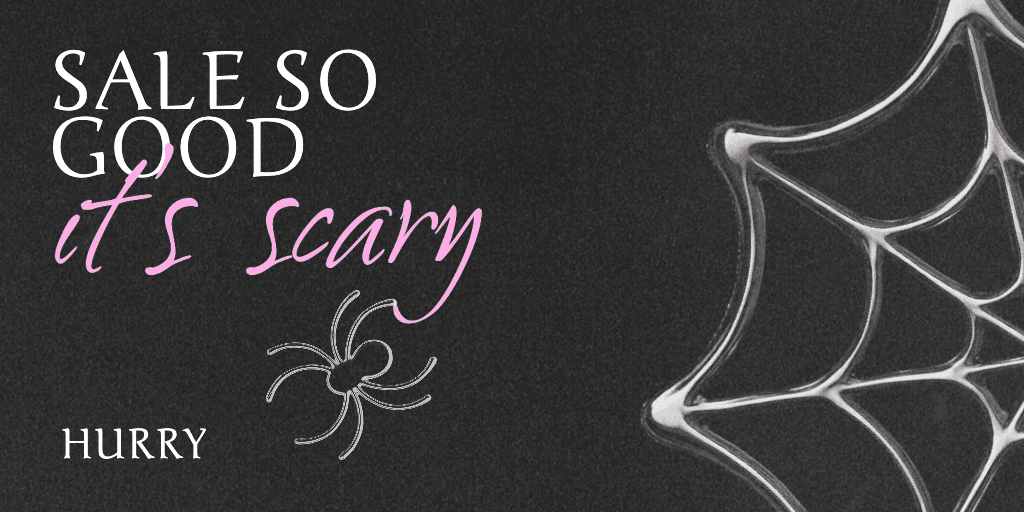
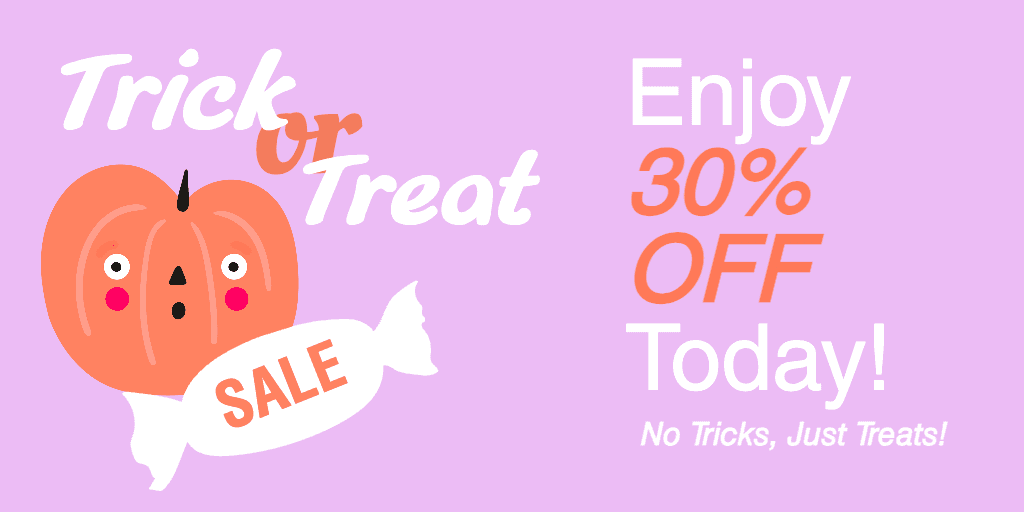
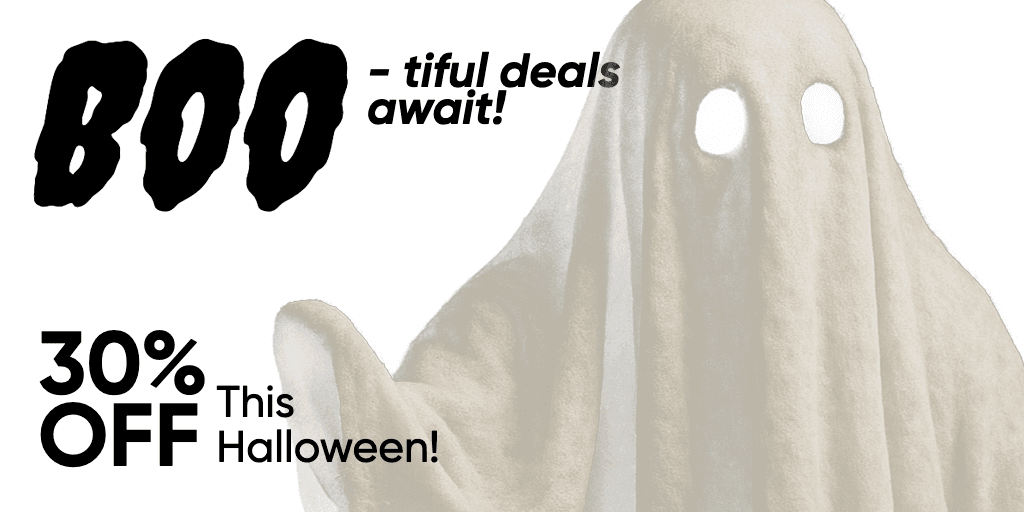
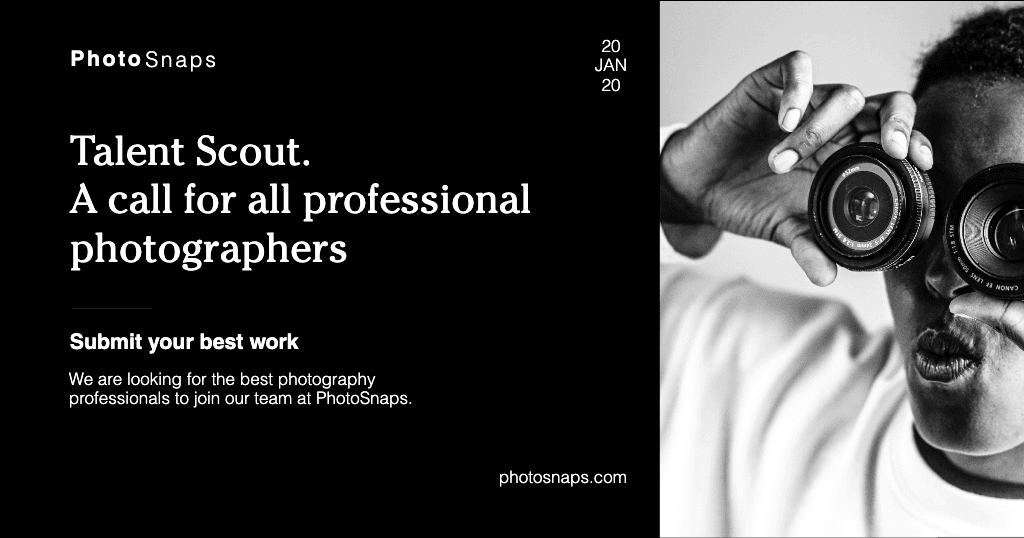
ஒவ்வொரு தளத்திற்கும் மற்றும் நோக்கத்திற்குமான தயாரிக்கப்பட்ட பேனர் டெம்ப்ளேட்களைக் காடி. ஒவ்வொன்றையும் உங்கள் உரை, படங்களுடன் விரைவாக தனிப்பயனாக்கவும், மேலும் நிமிடங்களில் ஸ்க்ரோல் செய்யக்கூடிய பேனர்களை உருவாக்கவும்.
Banner maker FAQ
A good banner attracts attention and accomplishes a goal, which can be as simple as welcoming visitors to your site. The banner should have a visually appealing color scheme and a strong focal point, such as a photo or tagline. Any text in the design should be easy to read, and the entire banner should be uncluttered so that your intended message stands out.
Not at all! Anyone can learn how to create a banner in Picsart in minutes without any design experience. The interface consists of simple drag-and-drop tools that make it easy to build a design from scratch or from a template. Many Picsart tools and features also include short descriptions to help you quickly understand how to use them.
Decide what to include in a banner design by defining your goal. Is the banner promoting a product or event? Spreading awareness or brand recognition? Providing instructions or contact information?
The most important elements to include are a call to action and any information viewers need to follow through on the action. For example, if the goal is brand recognition, your banner should include a business name and a unique logo or brand photos. A tagline or brief text are useful for telling a story and generating interest in a product or service. Consider what message you want to convey and the action you want viewers to take, and work backwards from there.
Sure! When you edit a banner online in Picsart, it’s easy to change the dimensions by selecting Resize on the left sidebar. Create a custom size by adding the desired values in the dimension boxes, or choose one of the popular canvas sizes from the menu.
If you convert a design from a smaller to a larger size, you can use Picsart’s AI image extender to expand upon a small or lower-quality image so that it fits bigger canvases without distortion or loss of detail.
More tools to love
Design banners for brands, profiles, and campaigns
Pro
Most popularAI tools for everyday creative work.
- Access to all photo & video editing features
- Advanced background & object removal
- Parallel video generations with the world's most powerful AI video models
- Unlimited image generations with Flex.2 Klein
- 1-tap image enhancer
- Millions of stock photos & Getty video clips
- Selection of trendy fonts, text styles & stickers
- Thousands of premium templates
- Support for 3+ brand kits
- Bulk edit up to 50 images at once
- 100 GB of cloud storage
- Auto-generate content from your terminal or agent with the Picsart CLI
- Use Picsart inside Claude Code, Cursor, and ChatGPT via MCP — coming soon
- AI agents for multi-step workflows and batch generation — coming soon
Ultra
Most powerfulHeavy AI usage for creators & teams.
- Everything in Pro
- Early access to advanced AI features
- Leading AI models to design & automate workflows (Nano Banana, Veo 3, Seedance 2.0 & more)
- Parallel video generations with the world's most powerful AI video models
- Unlimited image generations with Flex.2 Klein
- Support for 10+ brand kits
- Add team seats
- Create ad variations and localize
- Track ads performance
- 2000 credits for API services
- Bulk edit up to 100 images at once
- 300 GB of cloud storage per seat
- Auto-generate content from your terminal or agent with the Picsart CLI
- Use Picsart inside Claude Code, Cursor, and ChatGPT via MCP — coming soon
- AI agents for multi-step workflows and batch generation — coming soon
Enterprise
Custom AI solutions for large organizations.
- Volume discounts on credit rate
- On-demand top-ups
- Access to photo & video editor SDKs
- Mobile web SDK support
- Prepaid or pay-as-you-go creative APIs
- Embed professional-grade editing into your product or workflow
- Fully configurable editing experience
- White-label to match your brand
- Support for built-in marketing, e-commerce & printing use cases
- Bring your own assets: images, templates & fonts
- Enterprise-grade security, SLAs & support
- Dedicated account manager